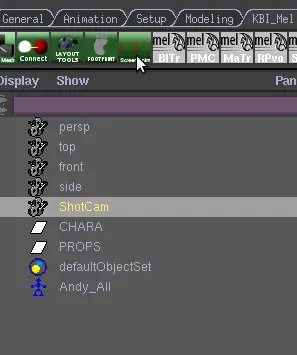
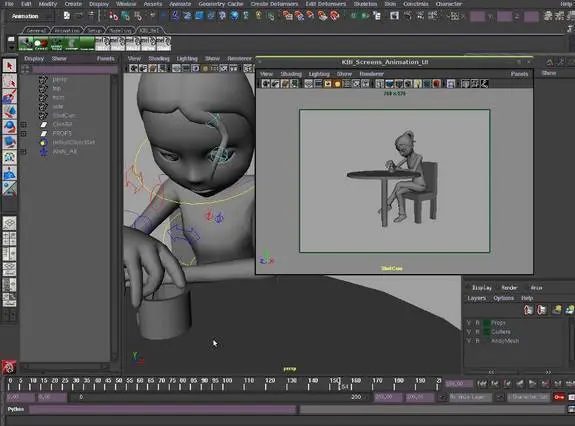
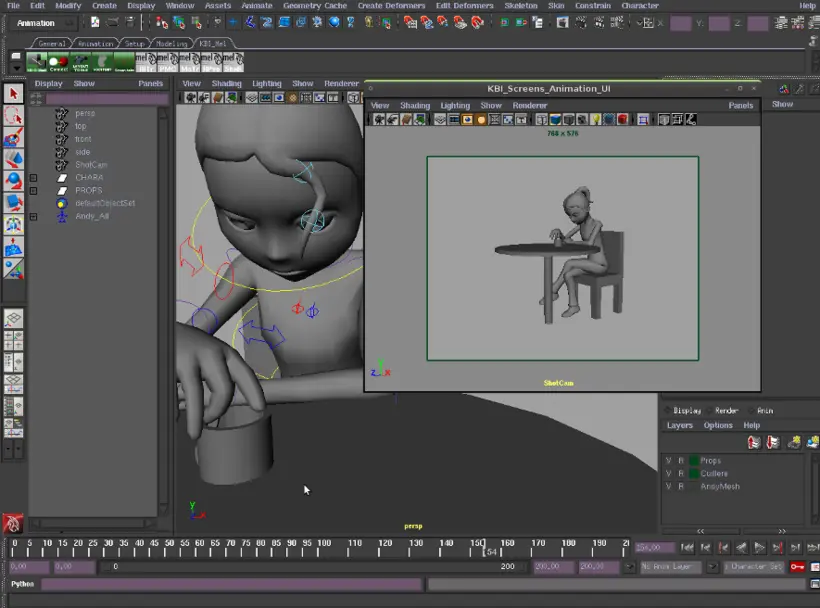
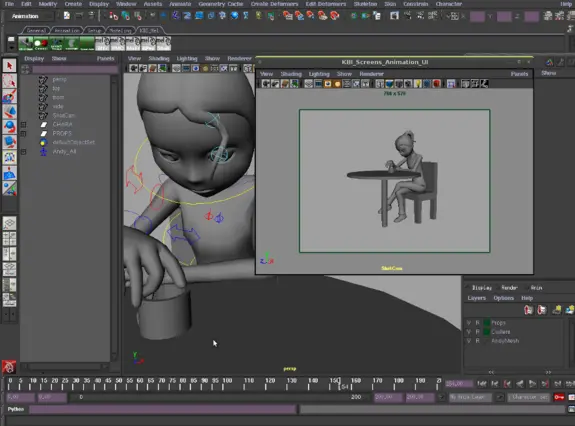
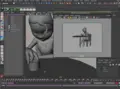

DESCRIPTION:
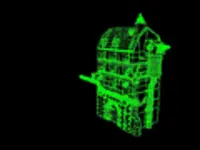
This script take the selected camera and tear off it with these options: Show resolution Gate,
Hide NURBS Curves and Smooth Shade (NumPad. 5)
TESTED ON :
Maya 2009 Unlimited - Linux (Ubuntu 8.10) - 64bits
Maya 2009 Unlimited - Windows Xp SP3 - 32bits
HOW TO USE IT:
How to install the script
Put the script in your user scripts directory :
- Windows: C:/Documents and Settings/USER_NAME/My Documents/maya/2009/scripts/
- Linux: /home/USER_NAME/maya/2009/scripts/
Change USER_NAME by yours and 2009 if you have another version of maya
(exemple: C:/Documents and Settings/J.Doe/My Documents/maya/8.5/scripts/ )
In maya, source the script then put KBI_Screens_Animation; in the command line to load the script.
How to use the script
Select the camera you want to tear off and execute the command KBI_Screens_Animation;.
VERSIONS:
1.1 - 2009.03.13 - The script work properly with Linux now.Better selected camera condition.
The script now also hide cameras, joints, locators, ikhandles, grid, handles, lights,
dimensions and deformers.
1.0 - 2009.02.10 - Initial Release.

Please use the Bug System to report any bugs.
Please use the Feature Requests to give me ideas.
Please use the Support Forum if you have any questions or problems.
Please rate and review in the Review section.
Please use the Feature Requests to give me ideas.
Please use the Support Forum if you have any questions or problems.
Please rate and review in the Review section.