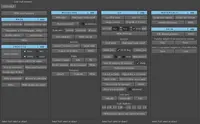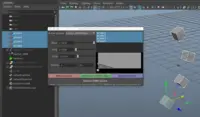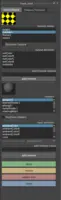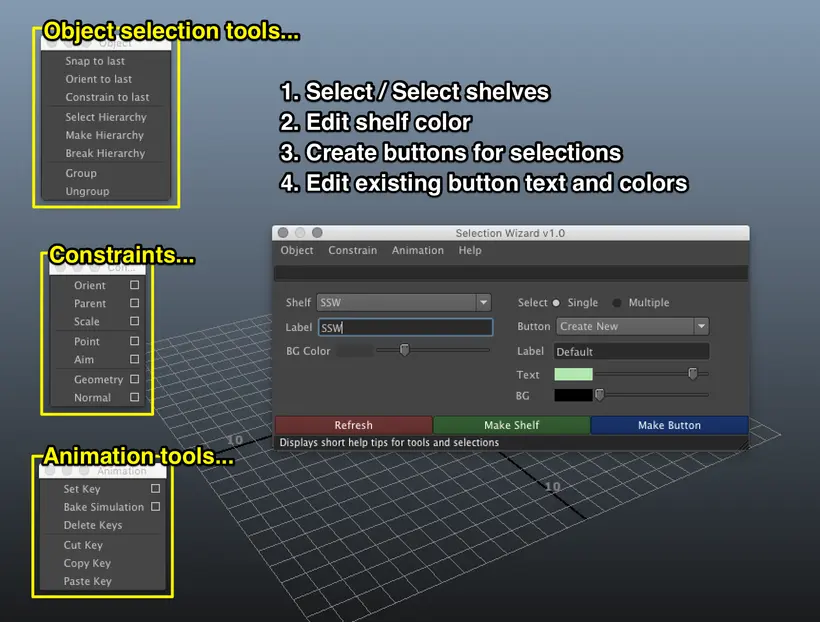
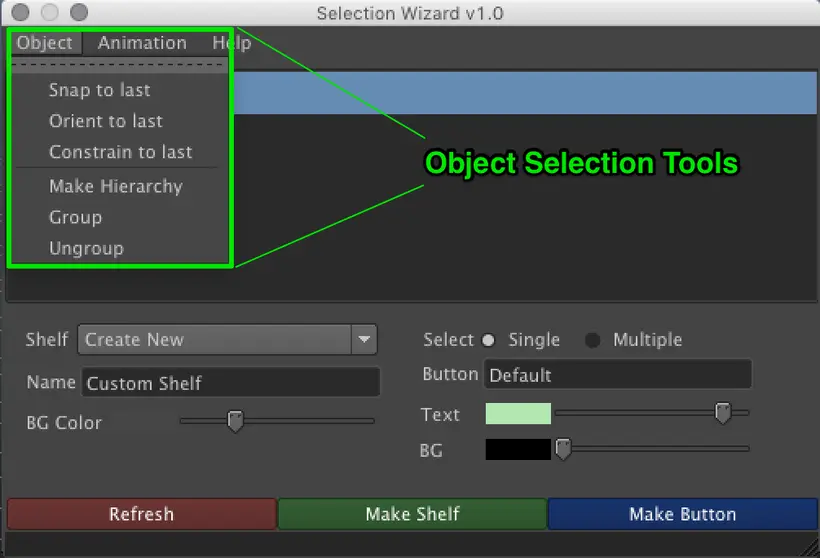
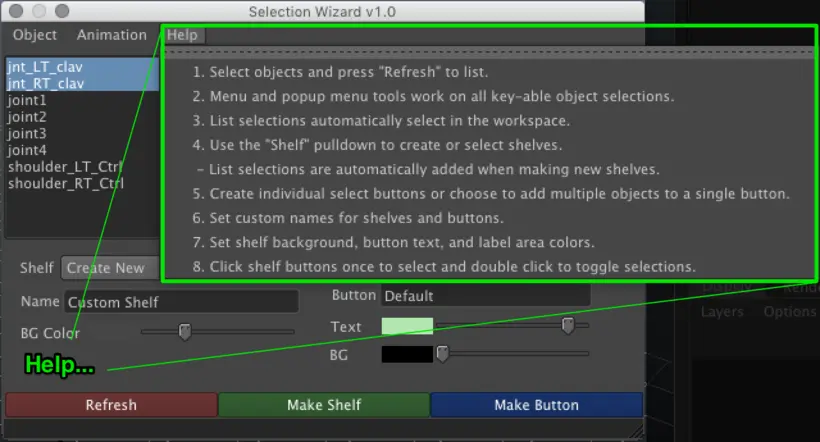
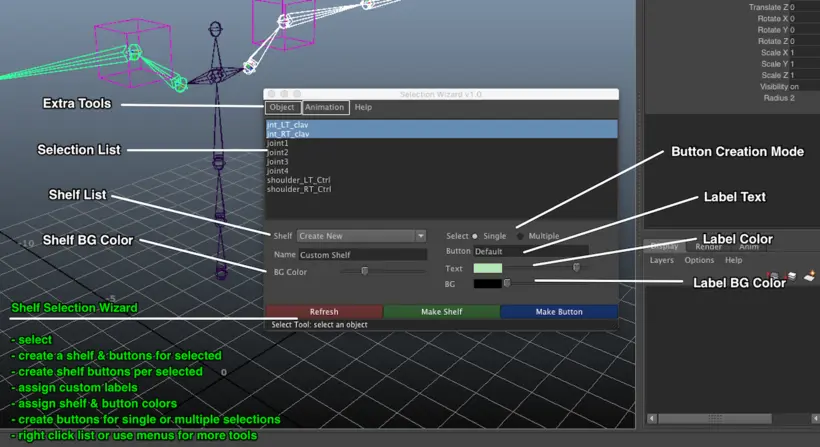
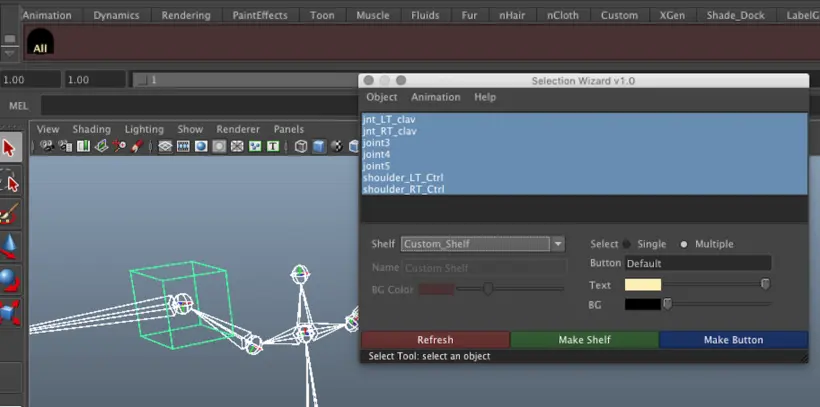

The 'Shelf' Selection Wizard is a selection / animation tool, created to make the refinement of animation workflows easier. Create buttons and shelves for items selected in the Selection Wizard's list. Use menu and popup list commands to manipulate object selections. Create shelf buttons and shelves. Customize shelf background colors for existing and new shelves. Easily create shelves that suit your workflow.
- Select controls or objects
- 'Refresh' to update listed selections
- Select objects or controls from the list; items will also be selected in the workspace
- Store selections by creating shelf buttons on existing or new
- Use the tool's list as a quick control picker for animation
- Create buttons on a custom shelf for list selections
- Double click buttons and list items to toggle selections
- Set Shelf background color, button background color, and button label color.
- Set the background color of new and the current shelf selection.
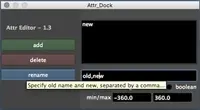
- Rename buttons; set text color/backgrounds/background opacity [ 1 - 100%; LABEL:value ]
- Use menu tools and right click in list to use extra selection tool options.
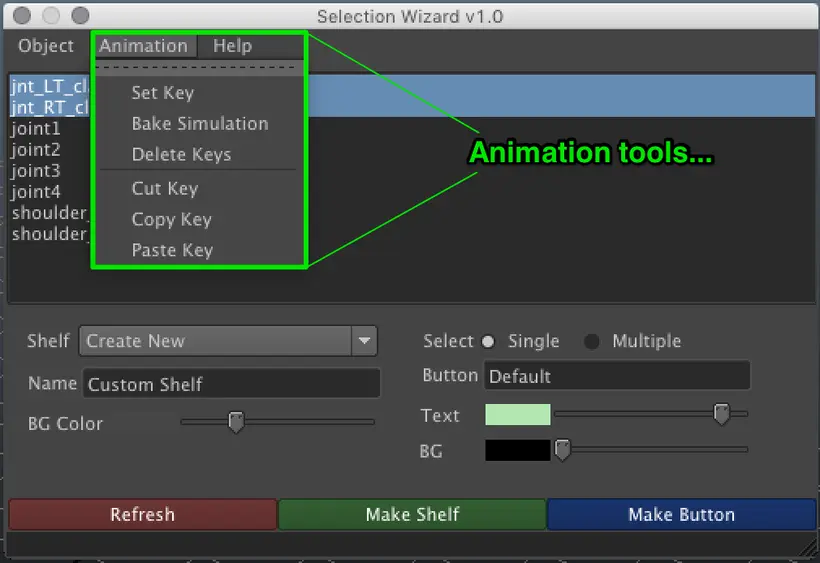
- Manipulate keyframes & bake animation
(The extra tools include snap, constraint, and animation tools)
Please use the Bug System to report any bugs.
Please use the Feature Requests to give me ideas.
Please use the Support Forum if you have any questions or problems.
Please rate and review in the Review section.
Please use the Feature Requests to give me ideas.
Please use the Support Forum if you have any questions or problems.
Please rate and review in the Review section.