
DESCRIPTION:
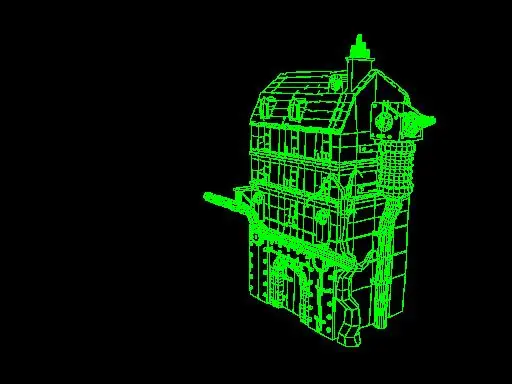
You can use this script to render a wireframe of you work.
TESTED ON :
Maya 2009 Unlimited - Linux (Ubuntu 8.10) - 64bits
Maya 2009 Unlimited - Windows Xp SP3 - 32bits
HOW TO USE IT:
How to install the script
Put the script in your user scripts directory :
- Windows: C:/Documents and Settings/USER_NAME/My Documents/maya/2009/scripts/
- Linux: /home/USER_NAME/maya/2009/scripts/
Change USER_NAME by yours and 2009 if you have another version of maya
(exemple: C:/Documents and Settings/J.Doe/My Documents/maya/8.5/scripts/ )
In maya, source the script then put KBI_Render_Wireframe; in the command line to load the script.
How to use the script
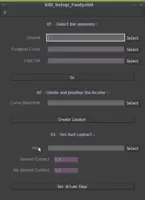
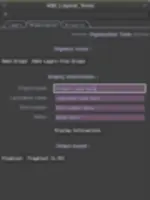
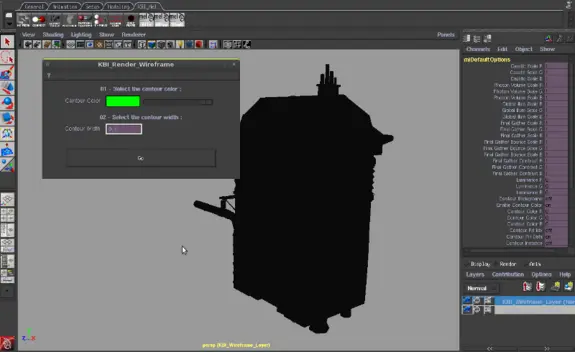
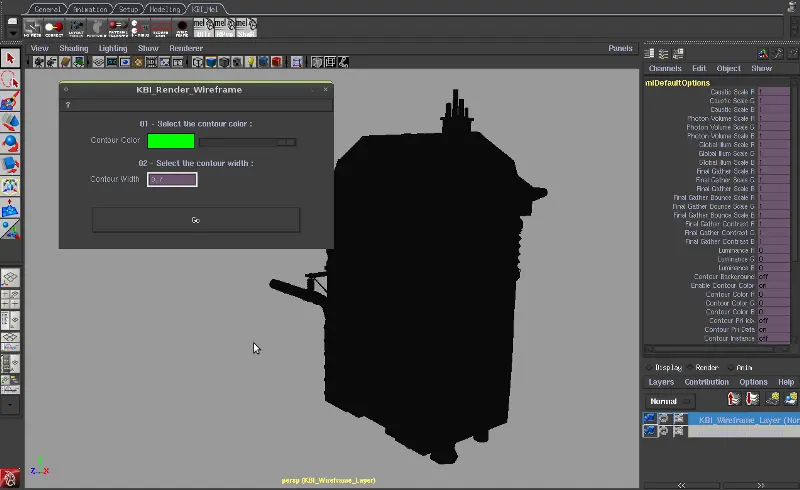
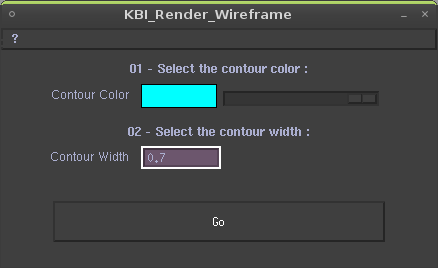
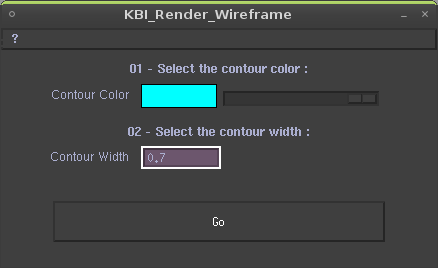
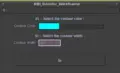
Choose a color and a width for the contour.Select the objects you want to render in wireframe and hit the GO button.
If you want to change the color repeat the operation.
Note:You need to render the created pass with Mental Ray.
VERSIONS:
1.0 - 2009.03.13 - Initial Release.


Please use the Bug System to report any bugs.
Please use the Feature Requests to give me ideas.
Please use the Support Forum if you have any questions or problems.
Please rate and review in the Review section.