

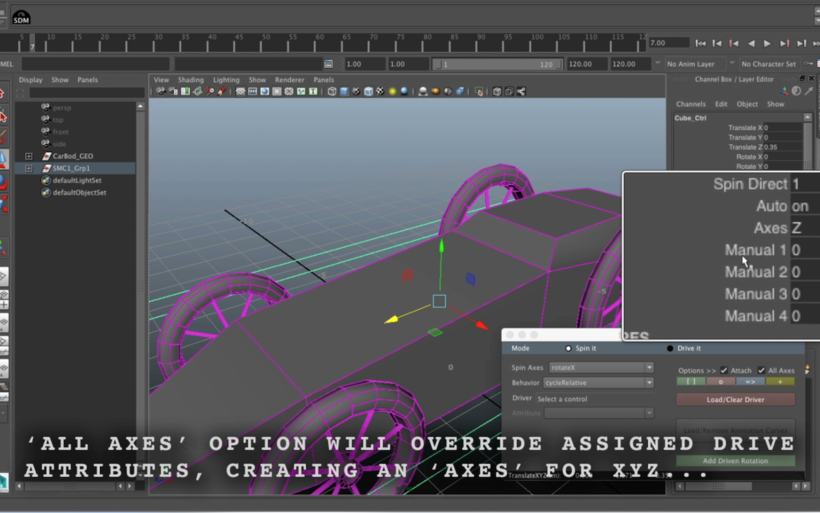
Spin / Drive Master (Two tools in one)
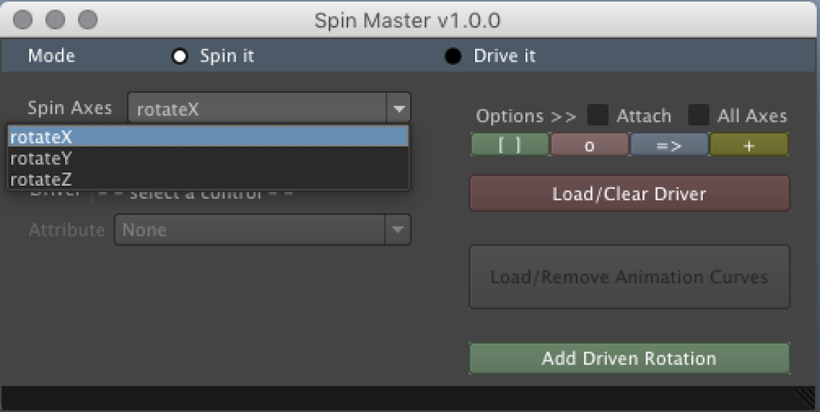
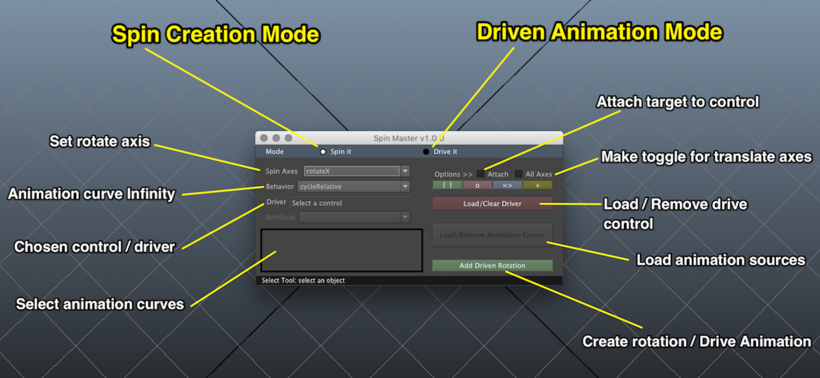
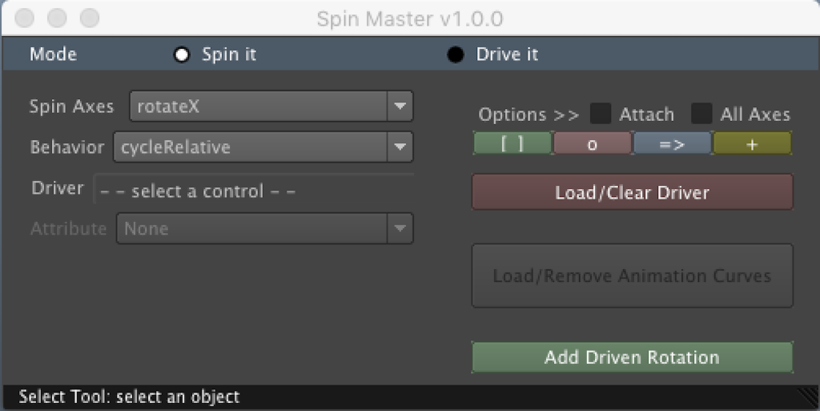
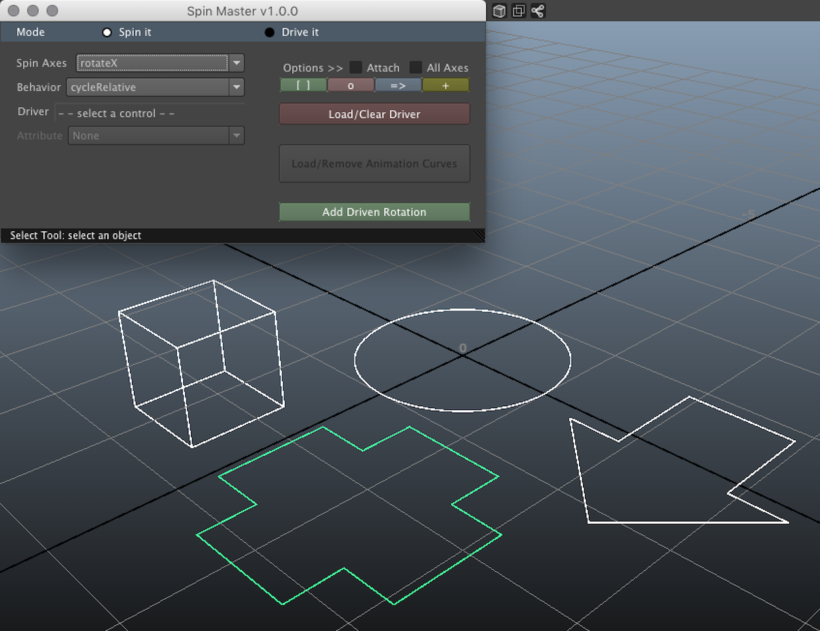
"Spin Master" mode uses keyframes to create a simple, but effective spin, which is then tweaked and linked to become an infinite cycle or limited based on options set in the panel. By default, the panel settings create an infinity cycle, a control, and attributes to toggle automation, spin direction, and manual spin. Additional options include automation driven by switchable translate axes (XYZ).
- Create or assign custom attributes
- Attach the drive to custom or existing controls
- Drive and toggle between translate axes (XYZ)
- By default, spin on the X will be driven by the Z and the Z spin by the X.
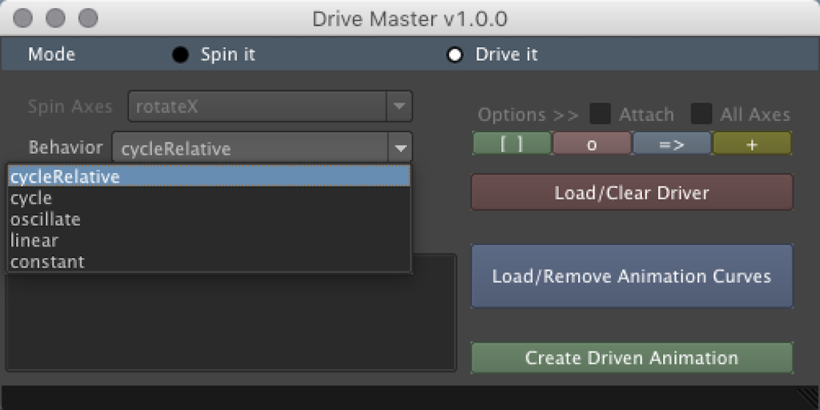
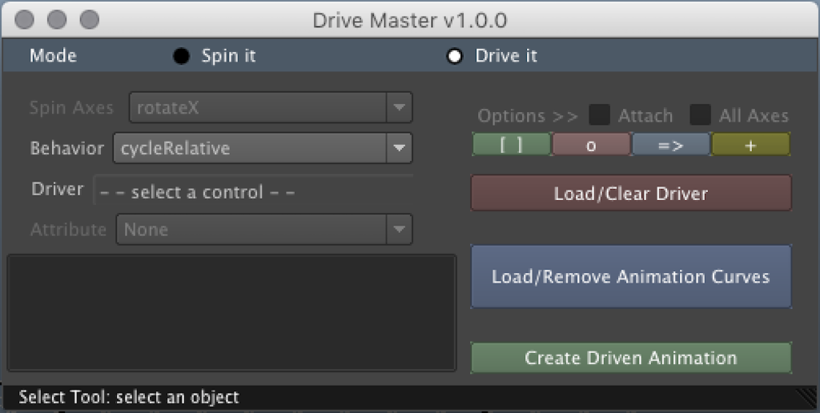
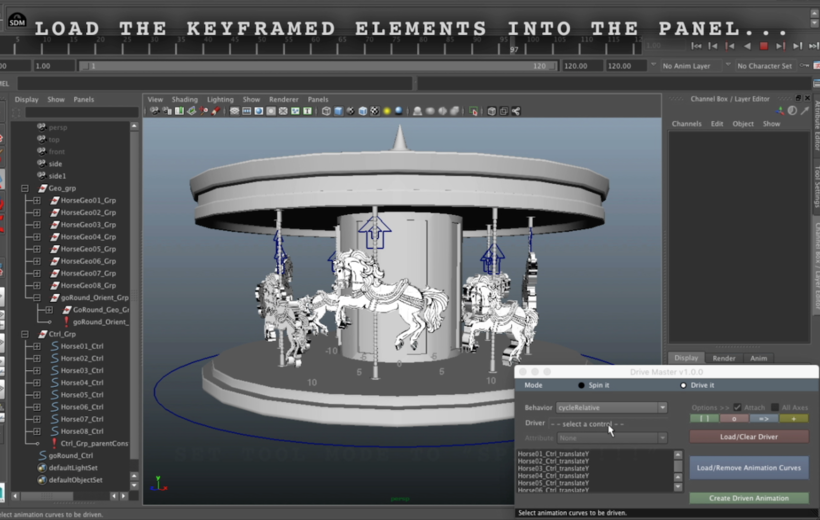
"Drive Master" mode allows you to create driven behaviors and cycles using the keyframed attributes of animated object, loaded into the panel. Connect animation curves to be driven by one attribute or assign animation curves to several as needed. For now, each animation curve may only have one incoming driver or influence.
- Cycle animation with offset (cycleRelative)
- Oscillate Cycle
- Leave it linear / Constant
- Create custom attributes
- Create control objects (under options)
Please use the Bug System to report any bugs.
Please use the Feature Requests to give me ideas.
Please use the Support Forum if you have any questions or problems.
Please rate and review in the Review section.
Please use the Feature Requests to give me ideas.
Please use the Support Forum if you have any questions or problems.
Please rate and review in the Review section.


