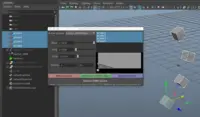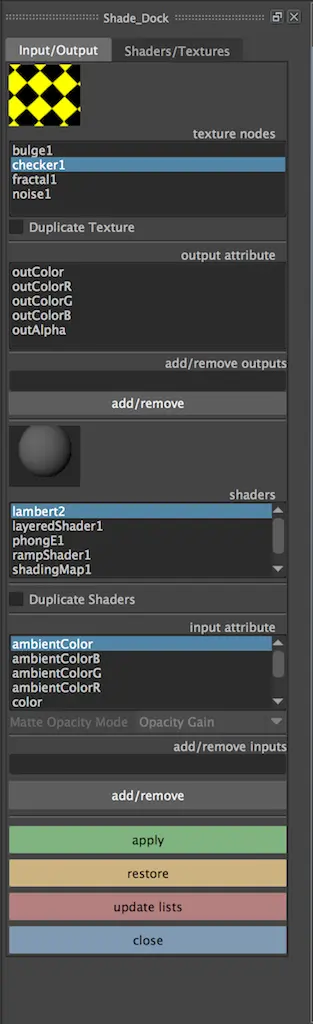
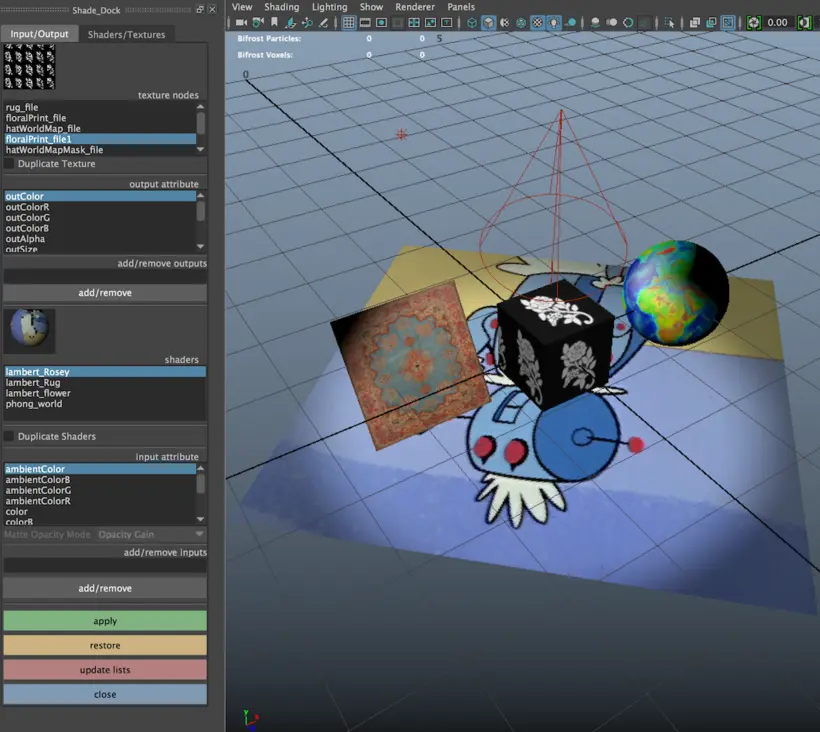
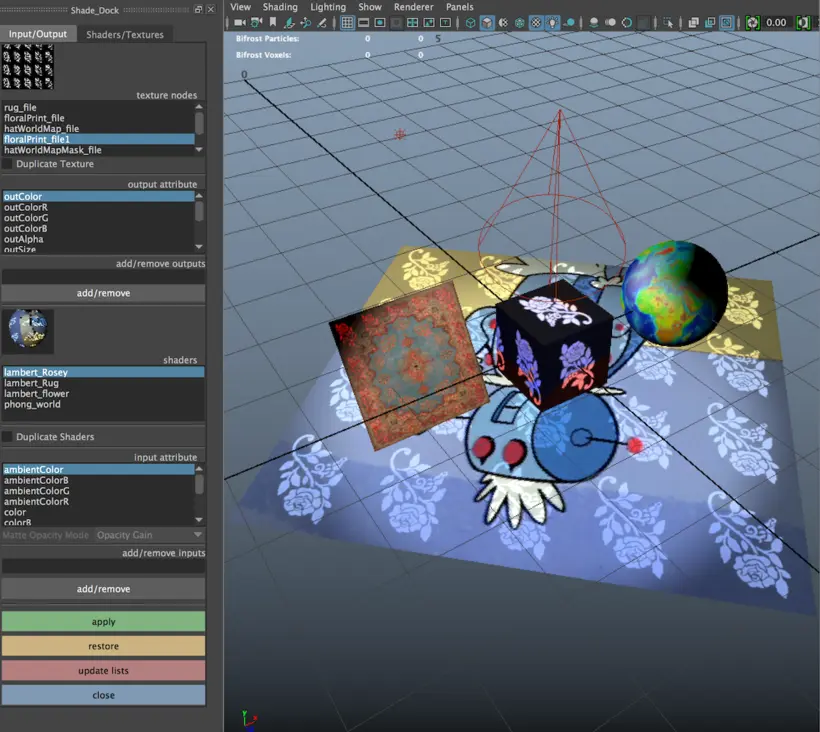
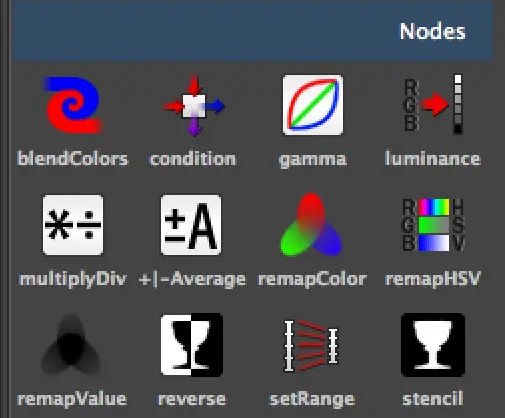
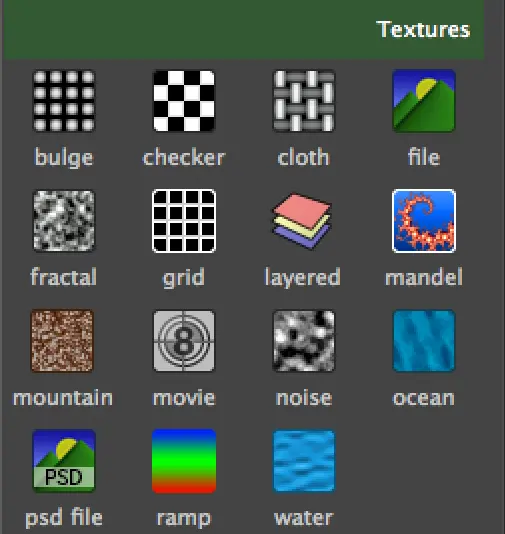
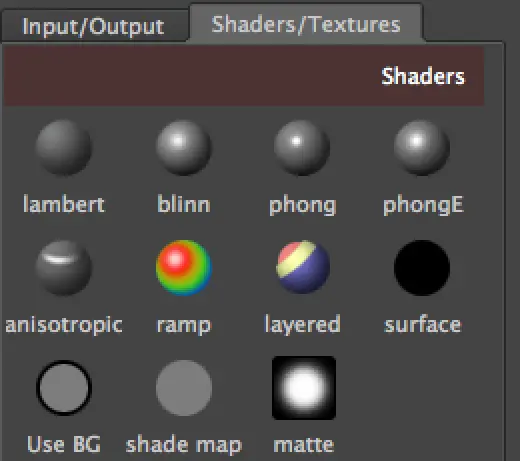
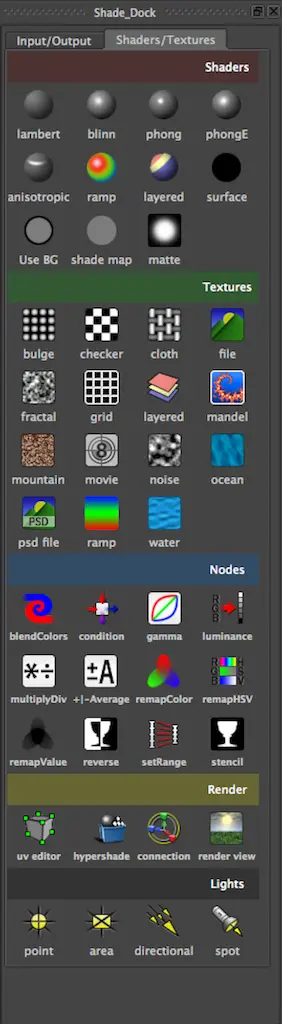
- Select, connect, and create shader, textures, and popular utility nodes.
- Position the dock left, right, or as a floating window.
- Select one or more shaders and choose the input attributes you'd like to feed the texture into.
- You also have the ability to duplicate textures and shaders, maintaining existing connections. Assign custom names to duplicates.
- Shaders can be listed for a selected object by pressing the 'update lists' button.
- If an input or output attribute is not listed, simply add it to the list, using the add/remove buttons and text input fields.
- Upon load or when updated, the state and incoming connections are cached as defaults.Should you choose to restore those defaults, simply press the restore button near th bottom of the dock.
- In addition to working with existing shaders and textures, the Shaders/Textures tab will allow you to create new ones, which will be immediately added to the lists in the Input/Output tab.
- Geometry selected while new shaders are being created, will automatically be assigned the new shading group.
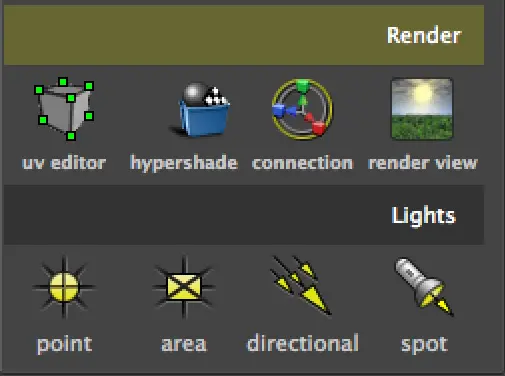
- Generate Textures, Materials, and Lights as needed.
- A mentalRay matteshadow material has also been included, set to function as a shadow catching ambient occlusion matte by default.
Please use the Bug System to report any bugs.
Please use the Feature Requests to give me ideas.
Please use the Support Forum if you have any questions or problems.
Please rate and review in the Review section.