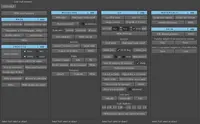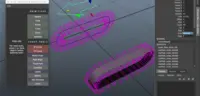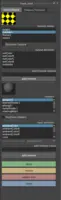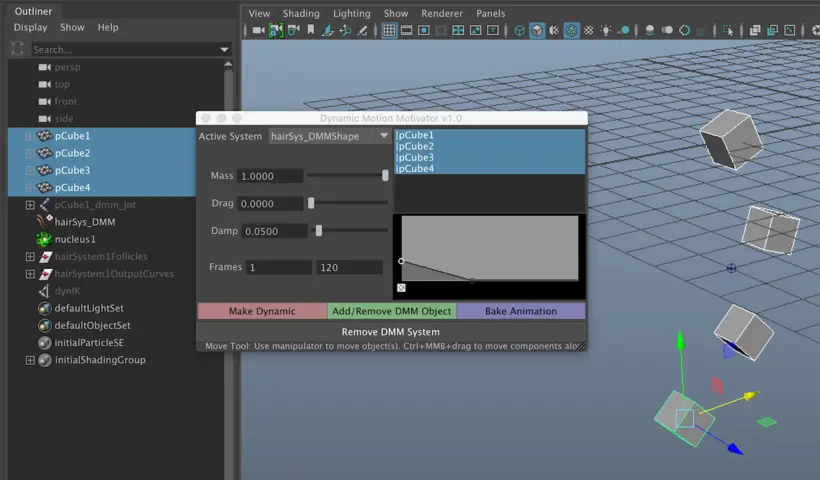
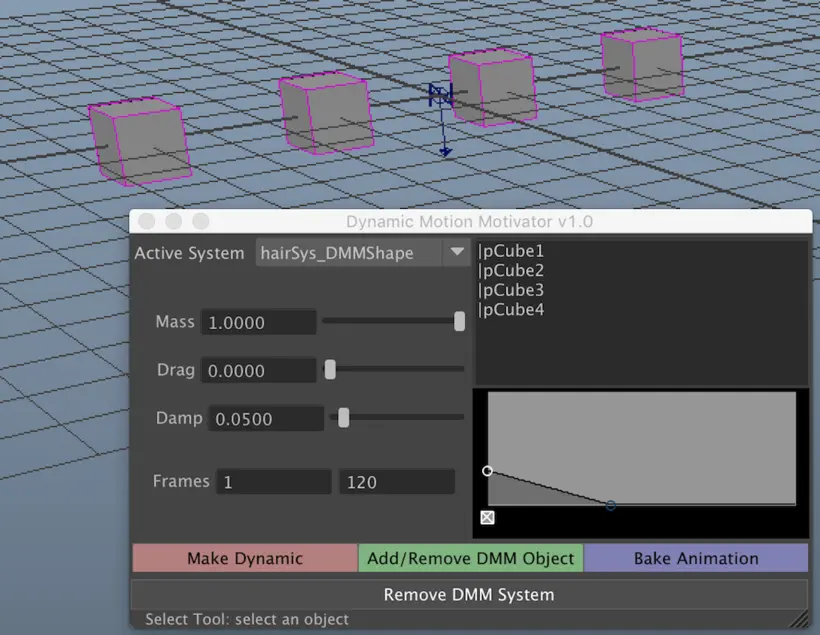
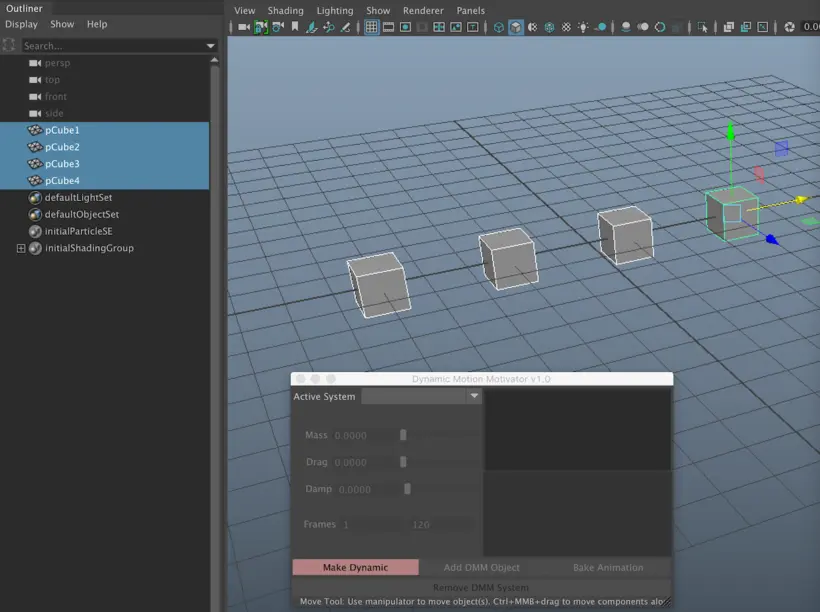
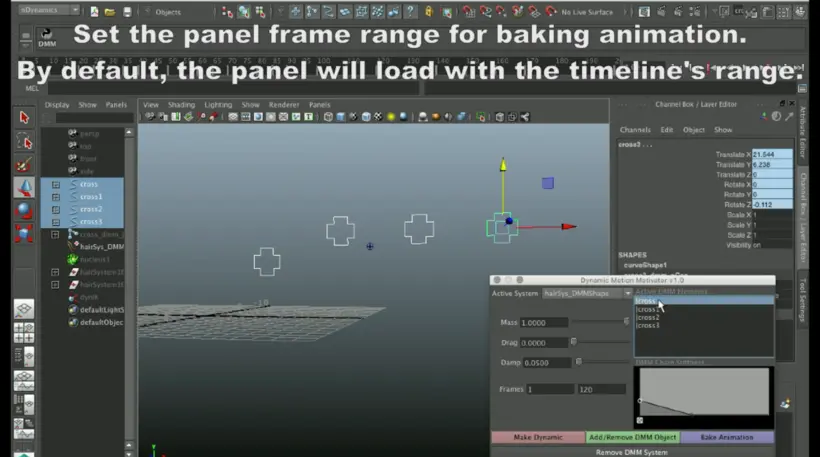
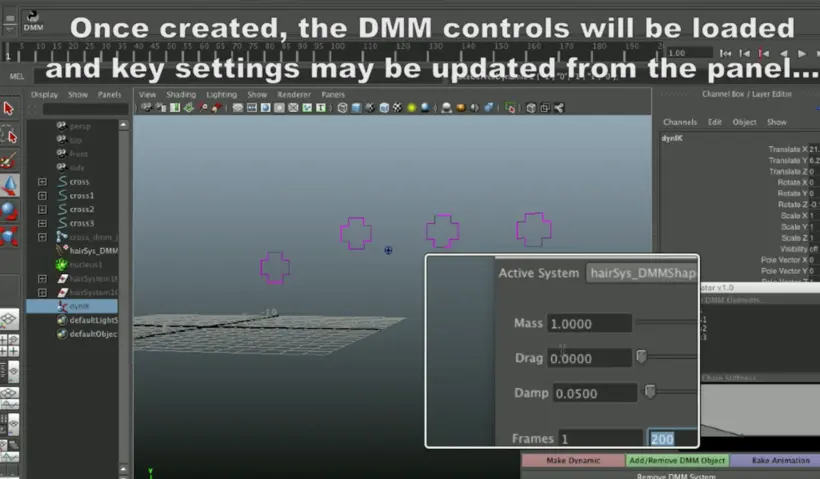
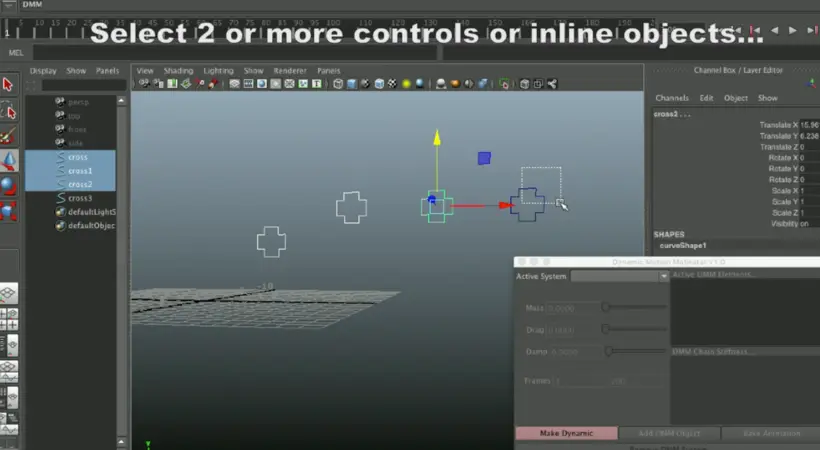
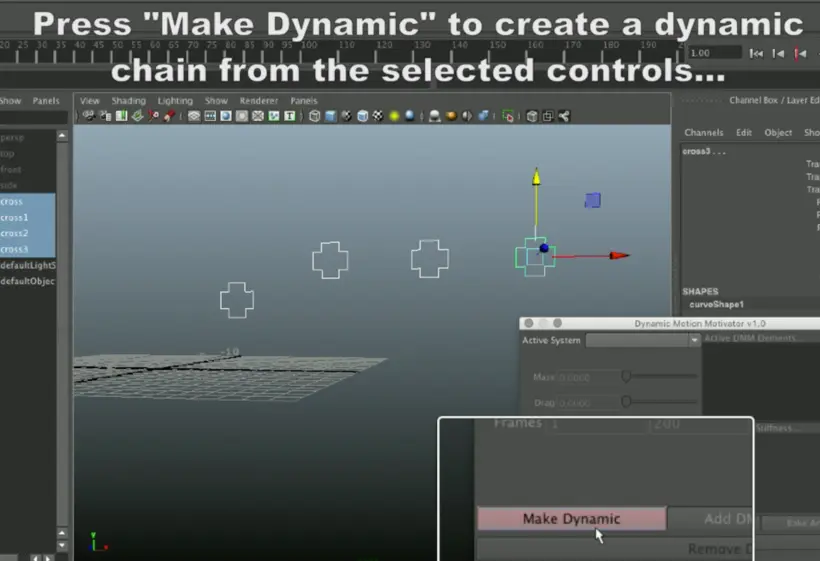
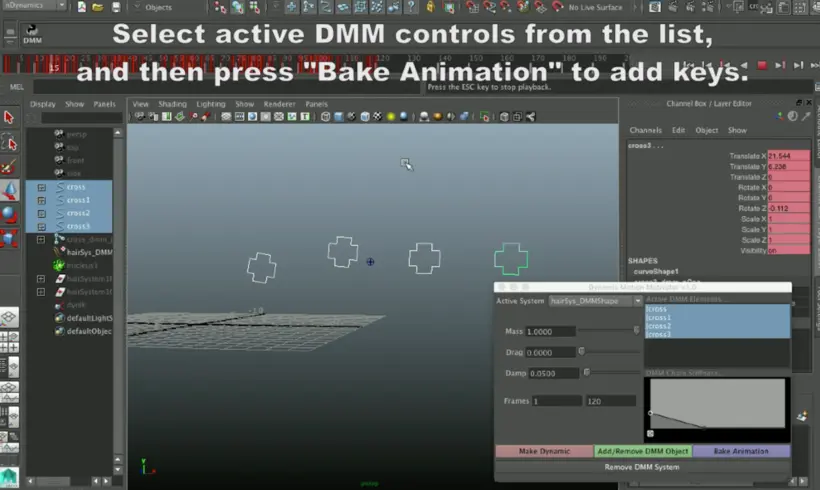
The Dynamic Motion Motivator is an evolving tool, designed to make the generation of overlap and secondary animation simpler. Select objects or controls in the desired order of deformation, then make them dynamic. Create multiple DMM systems. Modify key aspects of the active system from the DMM window or from the Attribute Editor (Mass, Drag, Damp, & Stiffness). Use the 'Active System' pulldown menu to choose active dynamic systems to modify. Once the desired behavior and timing has been acheived, press "Bake Animation" to key the animation. To cleanup or if you change your mind about using DMM, simply select a control from the panel list or in the workspace, then simply press the "Remove DMM System" button.
- Make the selected dynamic (at least 2 objects must be selected).
- Switch between available HairSystems.
- Modify Mass, Drag, Damp, and Stiffness.
- Set bake frame range.
- Select / Add DMM objects from and to the panel list.
- Bake the animation of the selected DMM objects / controls.
- Optimal Outliner Organization
- CleanUp and clean out HairSystems before or after baking.
Please use the Bug System to report any bugs.
Please use the Feature Requests to give me ideas.
Please use the Support Forum if you have any questions or problems.
Please rate and review in the Review section.
Please use the Feature Requests to give me ideas.
Please use the Support Forum if you have any questions or problems.
Please rate and review in the Review section.