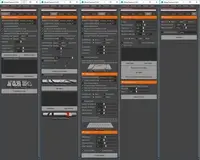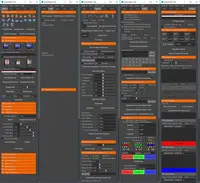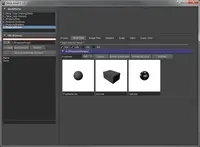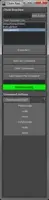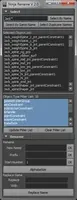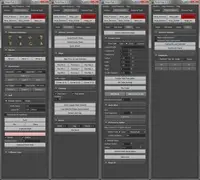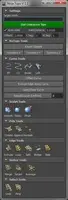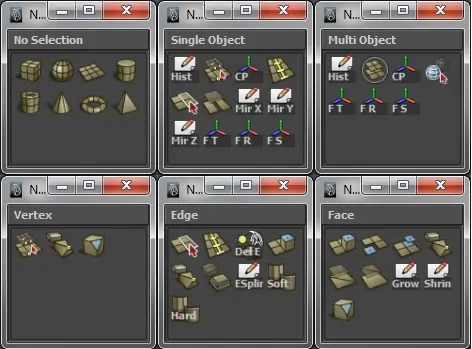
Ninja Speed Box is a context sensitive tool box that changes when you are in different modes.
The different modes contain functions mostly used in that mode.
When you only have faces selected it will change to face mode.
When you only have vertices selected it will change to vertex mode.. etc.
You can add new buttons by ctrl + MMB
Installing:
source the script from where you downloaded it.
Then call the Main Function: Ninja_SpeedBox()
example: source "C:/NinjaSpeedBox/NinjaSpeedBox.mel";Ninja_SpeedBox;
It would be great to get feed back on what functions should be added to each mode.
Ninja SpeedBox 2.0
1. Contexts will now get combined if you are in multiple contexts
2. Single and Multiple Context has been removed and been replaced with Mesh context
Please use the Bug System to report any bugs.
Please use the Feature Requests to give me ideas.
Please use the Support Forum if you have any questions or problems.
Please rate and review in the Review section.