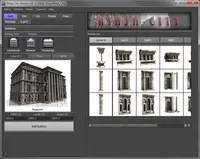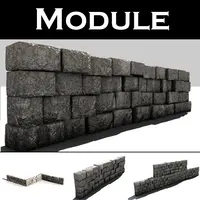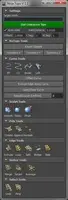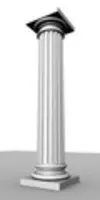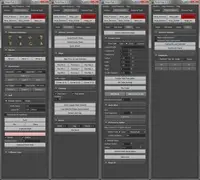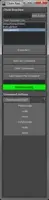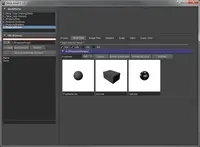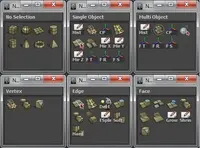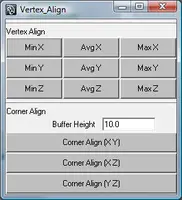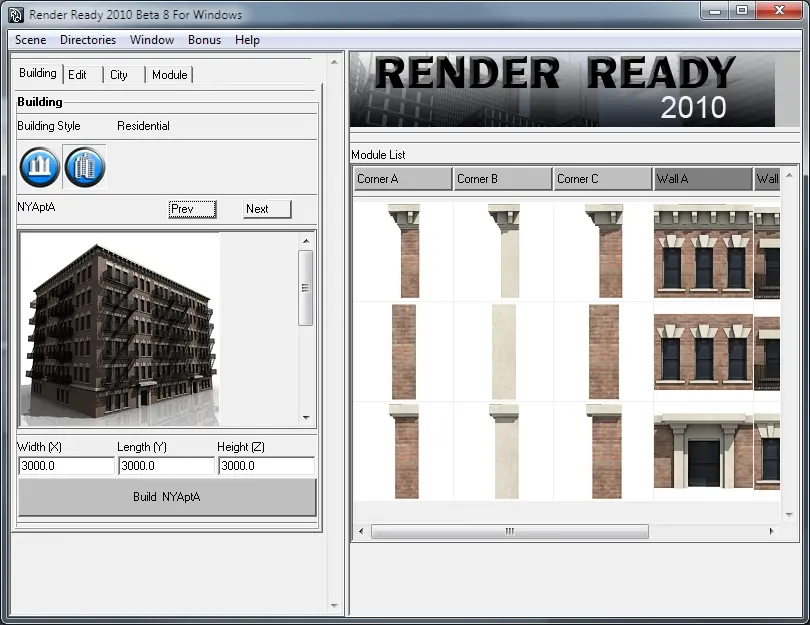
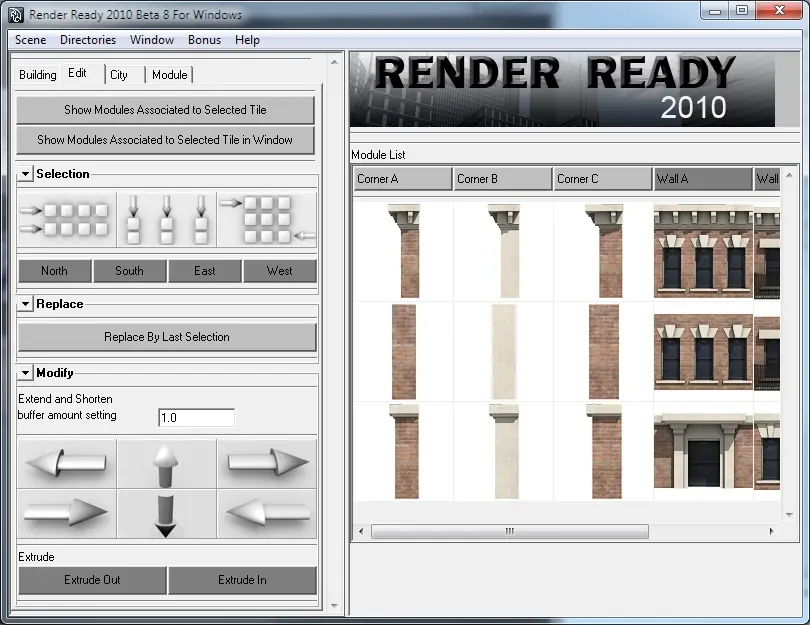
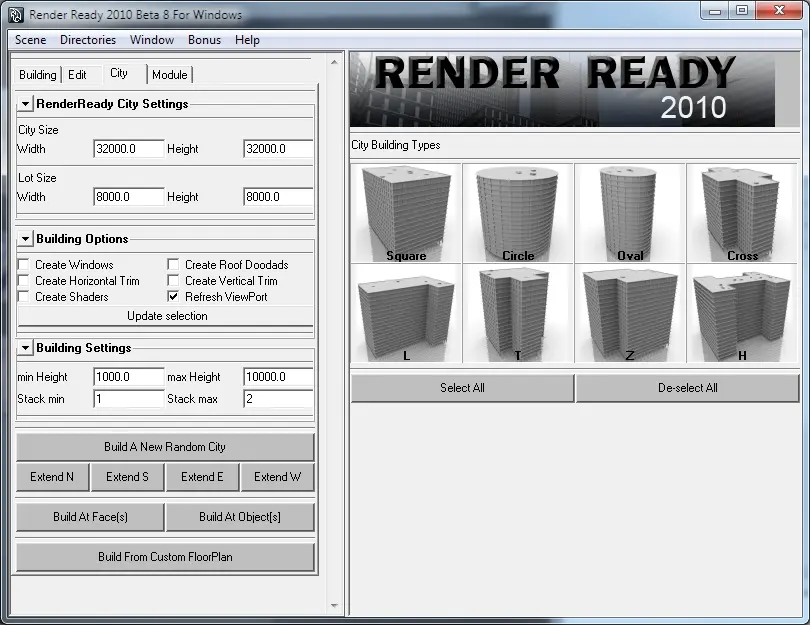
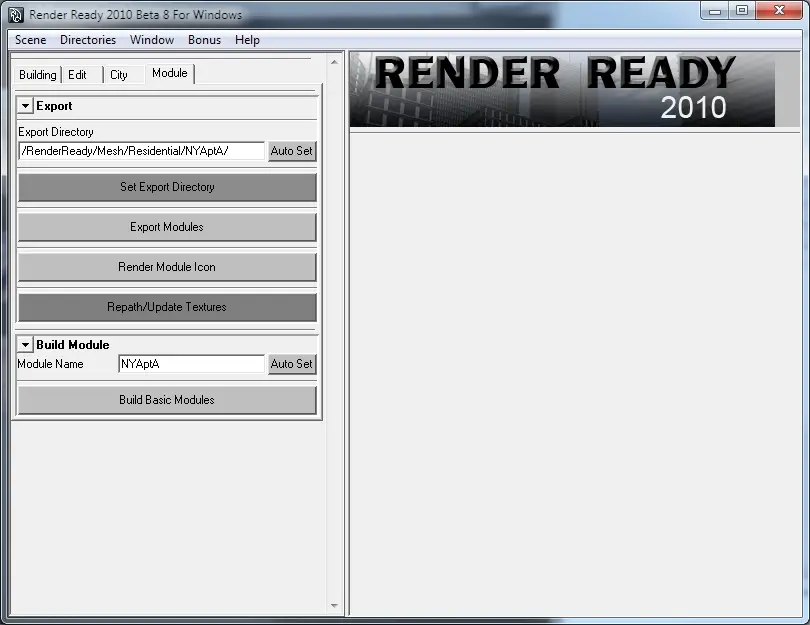
(Render Ready is a modular approach to creating buildings.)
Please Email me any bugs or feature requests at brian@bk3d.com
http://www.bk3d.com/Scripts/Mel/RenderReady/Render_Ready.htm
This Demo
1. only contains 1 module set
2. Has a stripped down version of the City Builder. You cannot Create Windows, Trims, Roofs. It will only create a low res version of the Square Style Building.
3. There are no bonus tools included
4. Does not create starter modules
If you would like to purchase the Full Version of Render Ready you can buy it here on Creative Crash:
https://www.creativecrash.com/maya/marketplace/scripts-plugins/utility-external/misc/c/render-ready-and-city-builder--2
Installing
Install for PC users
1. Unzip Render Ready to any directory (example: C:\Projects\)
2. Open Maya
3. Open up the script window
4. copy and paste this line below:
source "C:/Projects/RenderReadyDemo/Tools/RenderReady.mel";RenderReady("C:/Projects/RenderReadyDemo");
5. drag the text to a shelf to create a button
Option #2
I have also included a mel install file that will create a button with the correct line.
1. Unzip Render Ready to any directory (example: C:\Projects\)
2. Open Maya
3. Open up the script window
4. copy and paste this line: source "C:/Projects/RenderReadyDemo/Tools/Install_RR.mel";Install_RR();
5. It will prompt you where you have unzipped RenderReady.
6. Select the Directory that you unzipped RenderReady.
For Mac users
1. Unzip Render Ready to a directory (example: \Projects\)
2. Open Maya
3. Open up the script window
4. copy and paste this line below:
source "/Projects/RenderReadyDemo/Tools/RenderReady_mac.mel";RenderReady("/Projects/RenderReadyDemo");
5. drag the text to a shelf to create a button
Option #2
1. Unzip Render Ready to any directory (example: /Projects)
2. Open Maya
3. Open up the script window
4. copy and paste this line: source "/Projects/RenderReadyDemo/Tools/Install_RR.mel";Install_RR();
5. It will prompt you where you have unzipped RenderReady.
6. Select the Directory that you unzipped RenderReady.
*It is best to install to the Root Directory of the Drive that you have Maya installed to*
Please use the Bug System to report any bugs.
Please use the Feature Requests to give me ideas.
Please use the Support Forum if you have any questions or problems.
Please rate and review in the Review section.
Please use the Feature Requests to give me ideas.
Please use the Support Forum if you have any questions or problems.
Please rate and review in the Review section.