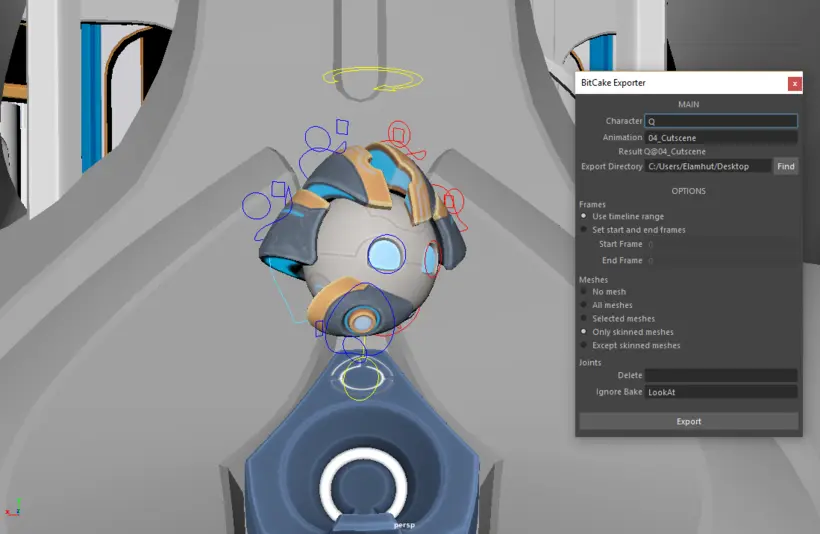
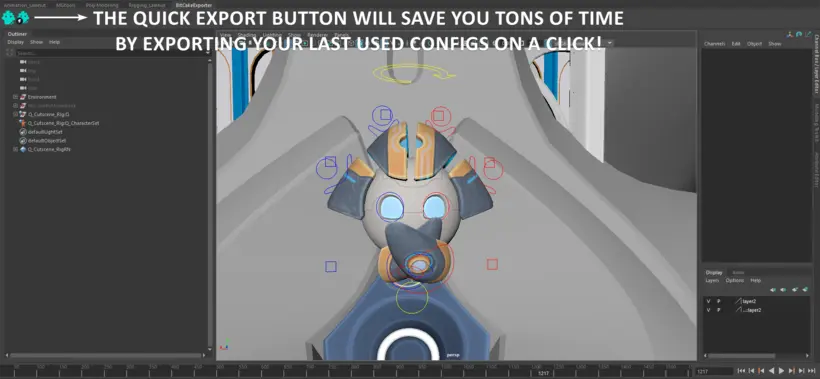
This exporter is designed to help improve the Game Animation pipeline for 3D Engines (Unity, Unreal or any other engine) by streamlining a lot of the tedious work involved in having a clean and usable file.
BitCake Game Animation Exporter will:
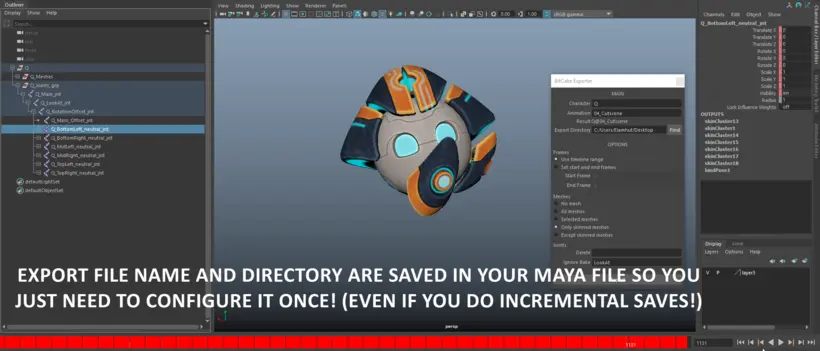
- Save both the File Name and Export Directory for the resulting .fbx in the animation's .ma
(This way you don't need to input either of those each time you want to export your stuff)
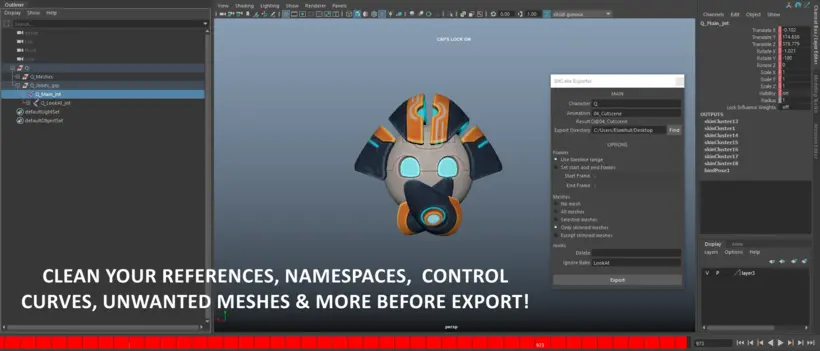
- Import all your references
- Clear all the namespaces
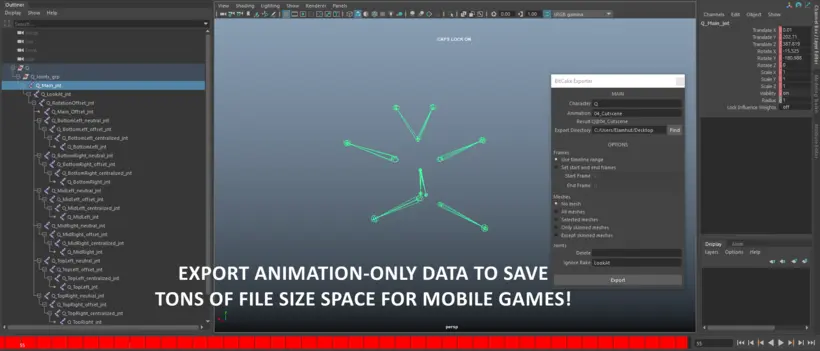
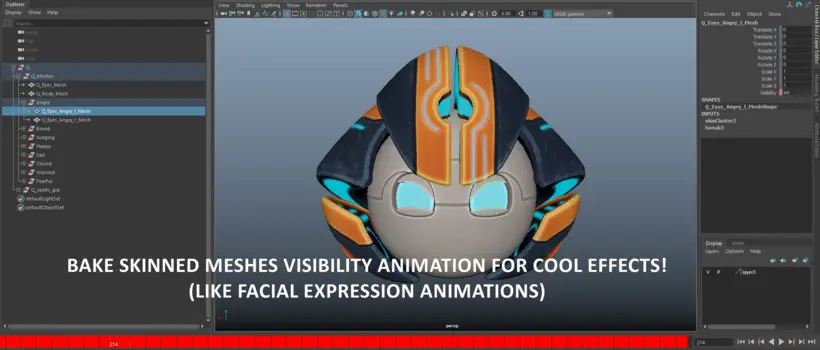
- Bake all Joints AND Mesh animations (visibility animation only for meshes)
- Delete all control curves
- Save the cleaned file with a _baked suffix
You can also:
- Choose to either bake the entire selected timeline or just a section (start and end frames)
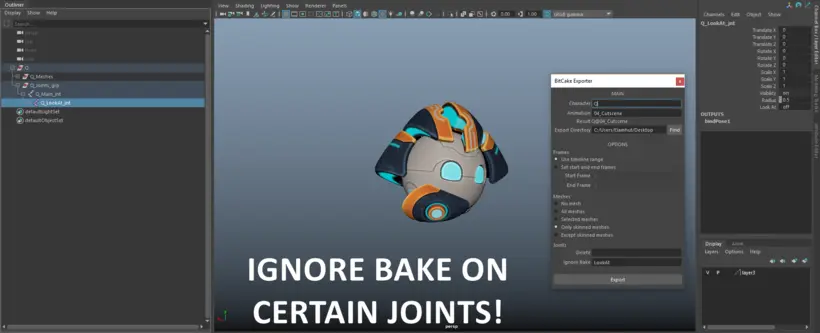
- You can Ignore baking animation on joints with a certain Tag
- You can Delete entire join chains with a certain Tag
- You can choose to export All Meshes, No Meshes (animation data on joints only), Just Skinned Meshes, Everything Except Skinned Meshes.
We have made a tutorial video on how to use this Tool; video was made using a real-world use case of our next game, DeMagnete.
Check it out:
How to Install:
How to use the basic functions of the plugin:
Using the Timeline Options and the Ignore Bake on Joints feature:
Exporting Mesh options and Deleting Joints:
Please use the Bug System to report any bugs.
Please use the Feature Requests to give me ideas.
Please use the Support Forum if you have any questions or problems.
Please rate and review in the Review section.