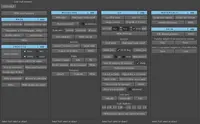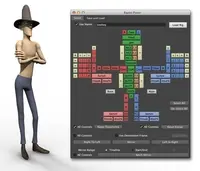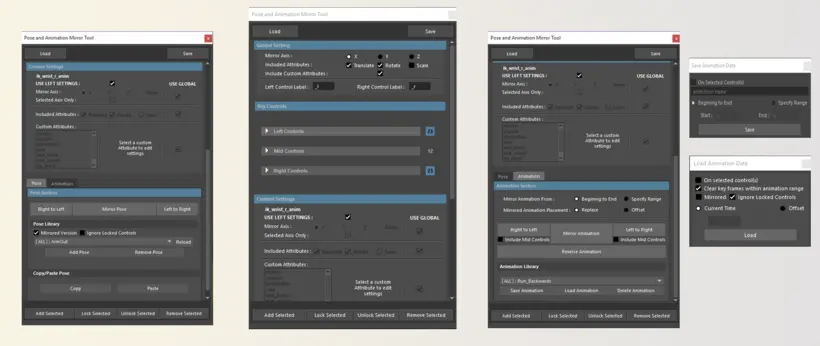
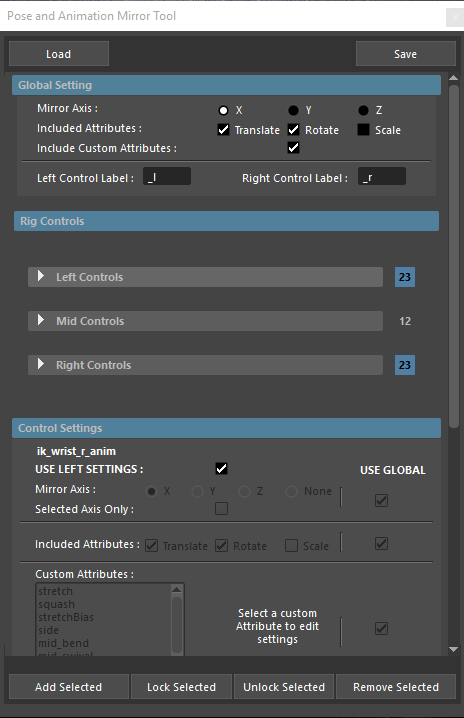
A simple tool to help improve posing and animating workflow in maya.
Tested in maya 2016
Features:
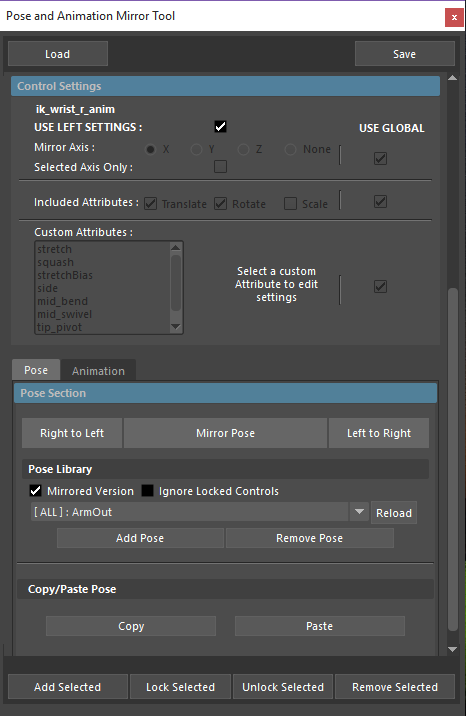
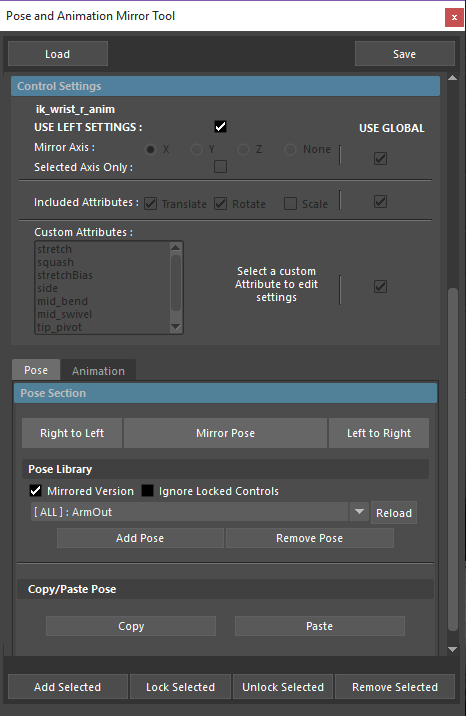
- Mirror pose
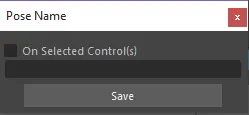
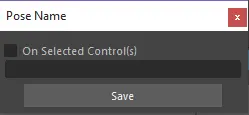
- Simple pose library for fast saving and loading of poses
- Load mirrored versions of poses from library
- Pin Added controls in place when mirroring
- Copy/pasting of poses
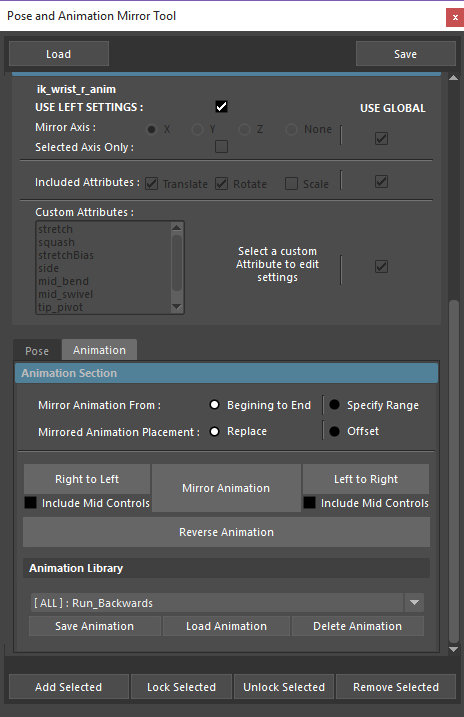
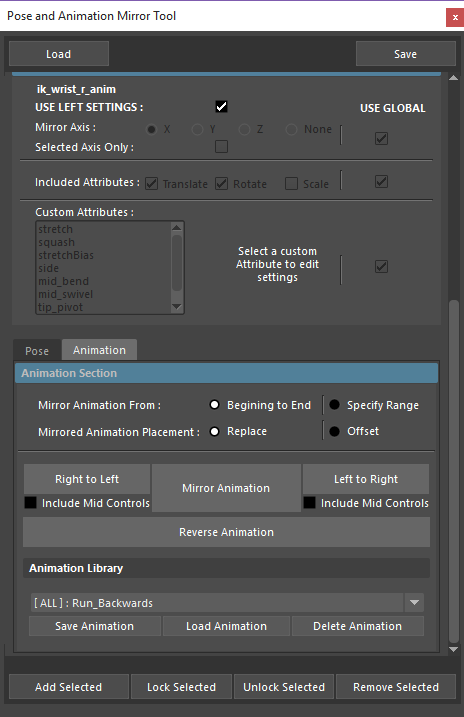
- Mirror animations with offset functionality
- Reverse animations
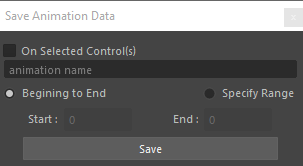
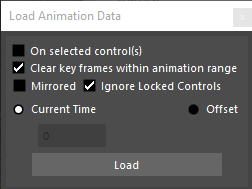
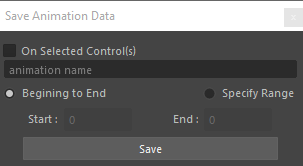
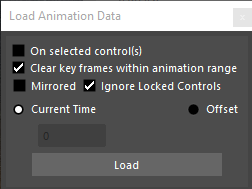
- Save and load animation at any point in the timeLine on all or selected controls
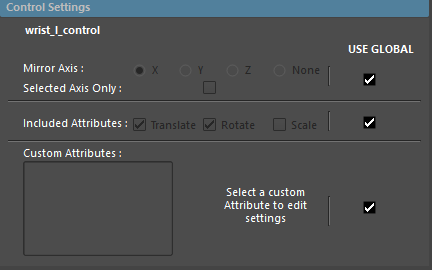
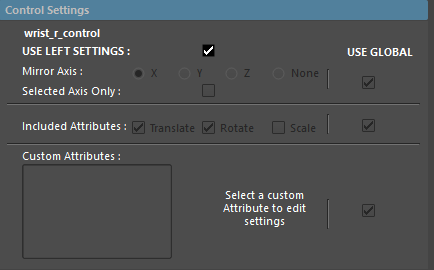
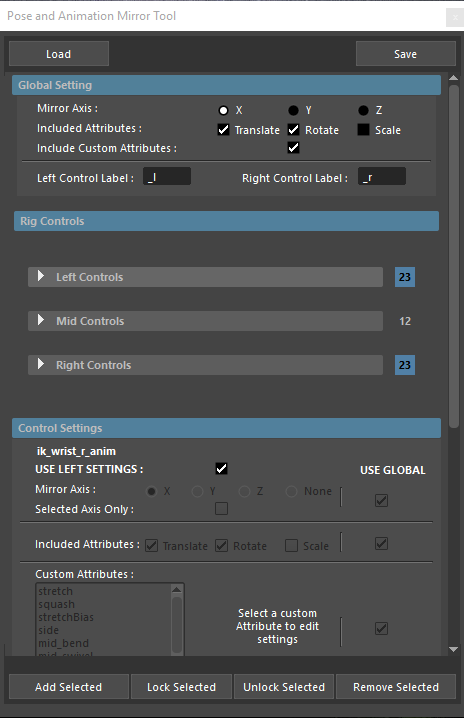
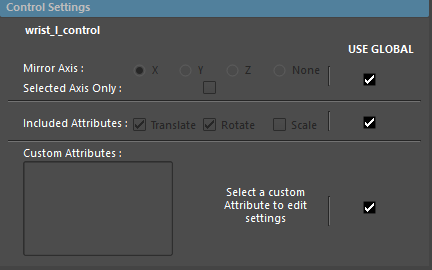
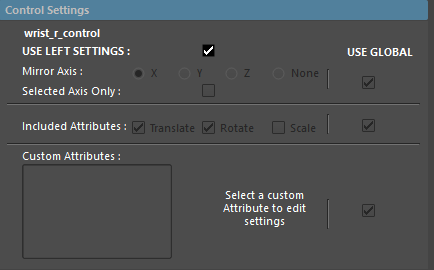
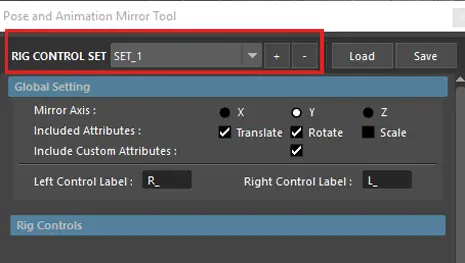
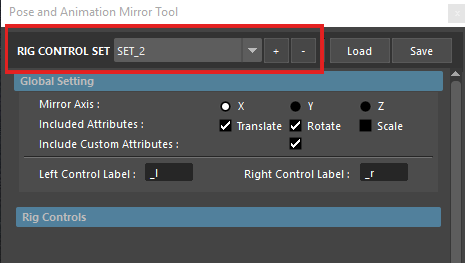
- Set different mirror axis for each control added
Installation
1. Download and unzip the JPAMTool.zip
2. Move extracted folder 'JPamTool' to
<C:\Users\USERNAME\Documents\maya\<version>\scripts> OR
<C:\Users\USERNAME\Documents\maya\scripts>
3. Create a userSetup.py file (if you dont have one) in either of the following locations:
<C:\Users\USERNAME\Documents\maya\<version>\scripts> OR
<C:\Users\USERNAME\Documents\maya\scripts>
4. Add the following to the userSetup.py
from JPamTool import JPam
JPam.Run()
5. Close Maya (if open) and Re-Launch. You should see a new shelf "PAM Tool"
Please use the Bug System to report any bugs.
Please use the Feature Requests to give me ideas.
Please use the Support Forum if you have any questions or problems.
Please rate and review in the Review section.
Please use the Feature Requests to give me ideas.
Please use the Support Forum if you have any questions or problems.
Please rate and review in the Review section.