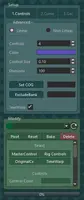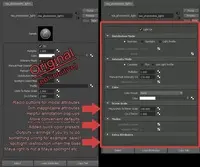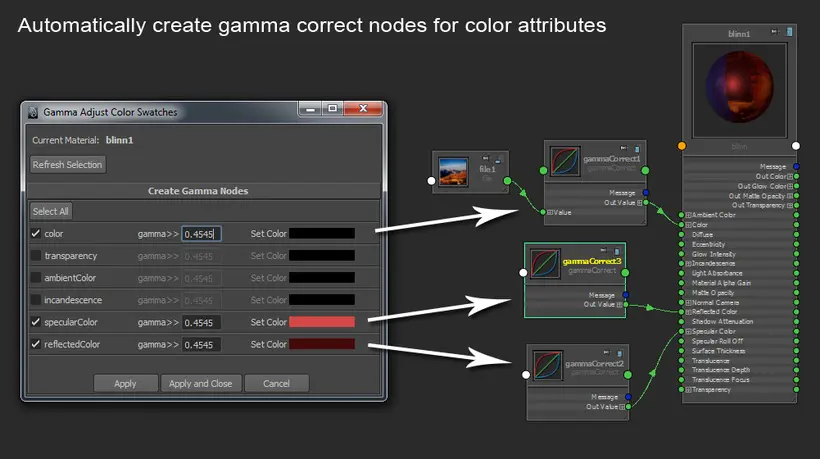
This script is for someone working in a linear workflow that requires a gamma color correction on all shader color swatches (you know who you are!). Simply select your material shader and run this script. A window will appear that lets you select which attributes get a gamma correction, and what that gamma correction is, and what color you want it to be.
Let me know what you think!
---------------------------------------------------
Currently supported materials:
Maya:
anisotropic
blinn
hairTubeShader
lambert
oceanShader
phong
phongE
shadingMap
surfaceShader
useBackground
envFog
Mental Ray:
dgs_material
dielectric_material
mi_car_paint_phen / mi_car_paint_phen_x / mi_car_paint_phen_x_passes
mi_metallic_paint / mi_metallic_paint_x / mi_metallic_paint_x_passes
mia_material / mia_material_x / mia_material_x_passes
Please use the Feature Requests to give me ideas.
Please use the Support Forum if you have any questions or problems.
Please rate and review in the Review section.