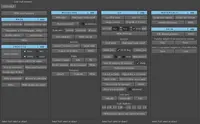
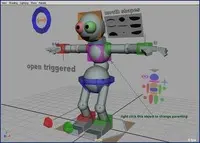
To run the script, simply select the skinned mesh, or meshes, and run: zooSurgeon;
A window will open, and you will be able to choose whether to parent the proxies to the skeleton, or constrain them. Once you've made your choice, click the "create proxies" button, and thats it. The select proxies button will enable you to select all the proxies after they've been build (at any time) and delete them, or assign them to a layer, or do whatever you want with them.
Please use the Bug System to report any bugs.
Please use the Feature Requests to give me ideas.
Please use the Support Forum if you have any questions or problems.
Please rate and review in the Review section.
Please use the Feature Requests to give me ideas.
Please use the Support Forum if you have any questions or problems.
Please rate and review in the Review section.