
The Rigging Toolbox 2 2.0.5 for Maya (maya script)
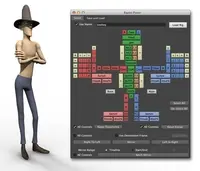
The Rigging Toolbox is a set of tools and full auto-rigger designed to aid in the process of rigging articulated characters for animation.
Q/A
Problem Connecting Rig
| Date: | 07/29/2013 |
|---|---|
| Submitted by: |  Garrett McKeagney |
Hi
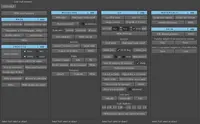
Ive followed the videos very closely But keep getting the same problem. It seems to want an extrea root controller enen though I've followed your set up as per the youtube videos. I'm using V116 which the connent to rig looks different see screenshot. Any Ideas?
Kind regards Garrett
Ive followed the videos very closely But keep getting the same problem. It seems to want an extrea root controller enen though I've followed your set up as per the youtube videos. I'm using V116 which the connent to rig looks different see screenshot. Any Ideas?
Kind regards Garrett



Replies to this question:
jbuck said over 13 years ago:
Garrett McKeagney said over 13 years ago:
jbuck said over 13 years ago: