Installing :
extract mBrowser to /home/{user_name}/maya/2013-x64/scripts/mBrowser in windows C:\Users\{user_name}\Documents\maya\2013\scripts
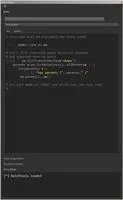
Then Open Maya and run this in script editor (python tab).
from mBrowser.code import mBrowserMain as mBrowserMain
reload(mBrowserMain)
mBrowserMain.runInMaya()
You can drag and drop this to a shelf as a button also.
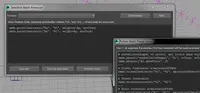
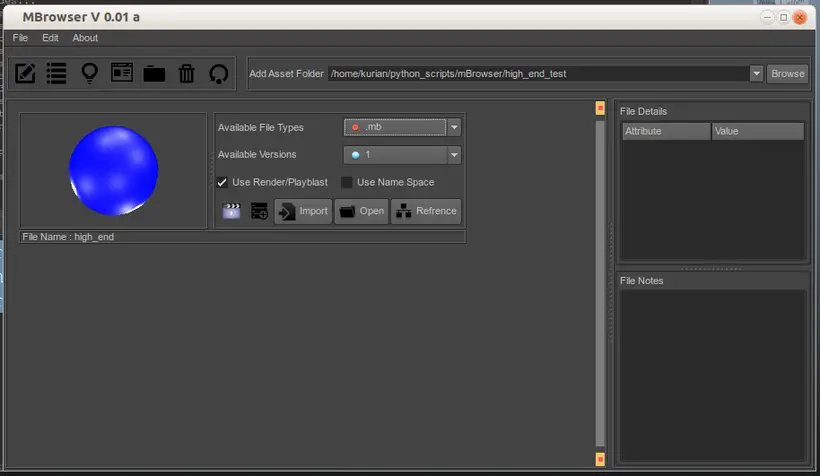
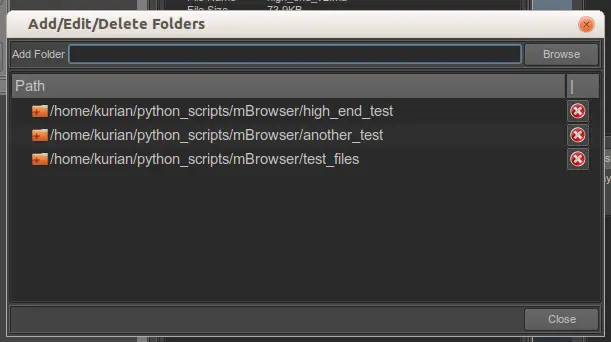
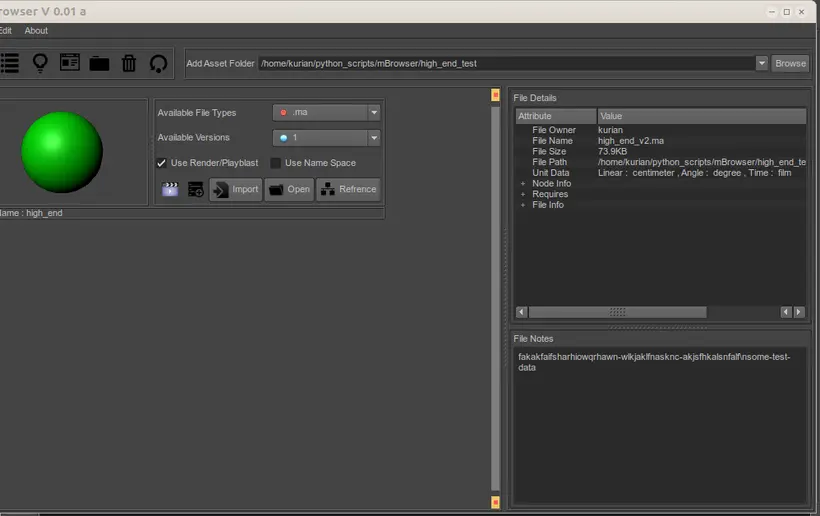
You may get a message like this " Existing folder locations not exits in file system. " , you can ignore this for first time, this error because of the tool cant find the folder path from your system. You can browse new folder path after launching the GUI. Please see the video for details.
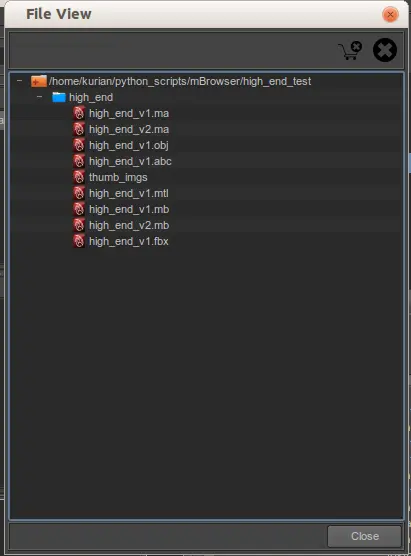
- unlimited subfolder visiblity
unlimited thumb images
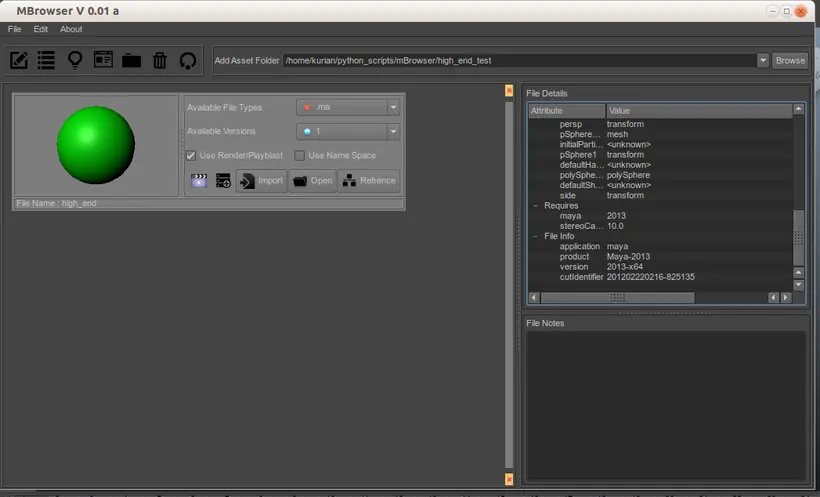
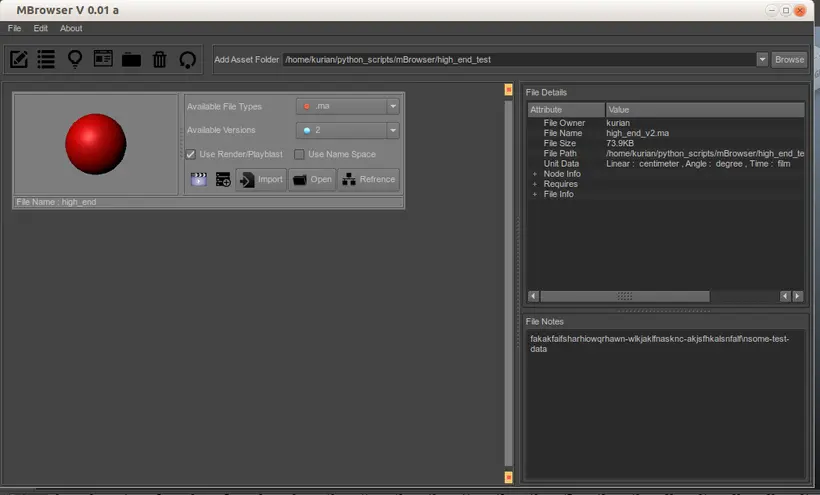
maya binary assci binary file detials
and much more
Please use the Bug System to report any bugs.
Please use the Feature Requests to give me ideas.
Please use the Support Forum if you have any questions or problems.
Please rate and review in the Review section.