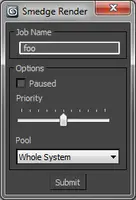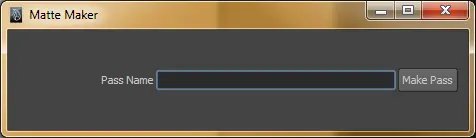
To use this script, just run it. It will show a simple window with a blank text box and a button. Then follow these steps:
1. Select the object(s) you want to have a separate matte for
2. Type a name for the matte into the text box
3. Click the "Make Pass" button
4. Repeat steps 1-3 for each matte you want to make
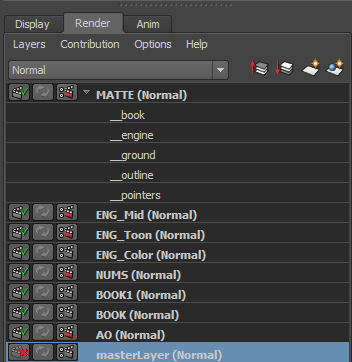
The script will create a render layer called "MATTE" if one does not exist. It will create a surface shader set to solid white and assign that shader as the override shader for the layer. It will generate the appropriate contribution map and render pass and do all of the associations for you, based on the name you supply. Objects can be in multiple matte passes with no problems.
Obviously this is designed around a mental ray workflow, because it uses contribution maps and render passes.
I hope you enjoy this. Please let me know if you have any issues with the script.
Please use the Bug System to report any bugs.
Please use the Feature Requests to give me ideas.
Please use the Support Forum if you have any questions or problems.
Please rate and review in the Review section.