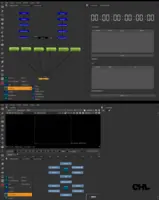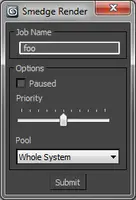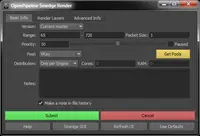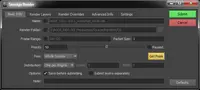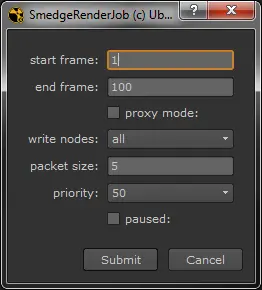
To install the script, you will need to modify the path to the Smedge Submit.exe component application, near the top of the script file. For example, on Windows, the path may be something like "C:\Program Files\Smedge\Submit.exe". You can run the script manually, or you can modify your menu.py file to include something like the following to get it integrated into the Nuke interface menus:
m.addCommand("S&medge Render...", "SmedgeRender.SmedgeRender()", "^F5")
If there is enough interest, I will continue to expand this script to add more features, like those available in the Maya submit script (like being able to download the Pools from the Master, etc.). Please let me know if you have any questions or run into any issues.
You can find more information about Smedge on its homepage:
http://www.uberware.net/smedge
Thank you!
-robin
Please use the Bug System to report any bugs.
Please use the Feature Requests to give me ideas.
Please use the Support Forum if you have any questions or problems.
Please rate and review in the Review section.
Please use the Feature Requests to give me ideas.
Please use the Support Forum if you have any questions or problems.
Please rate and review in the Review section.