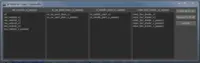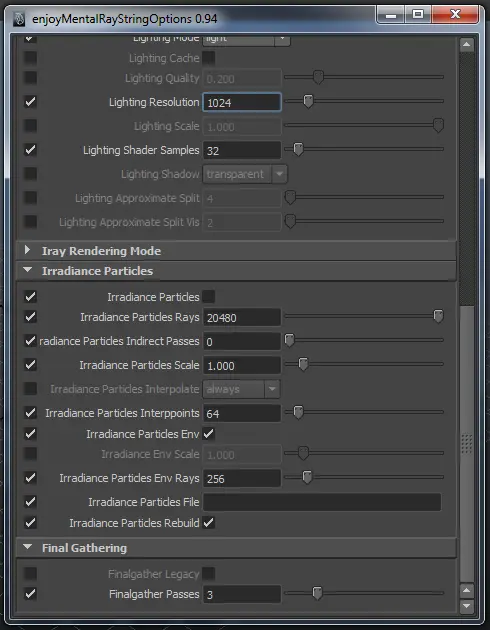
The main goal here is not to provide the best integrated/nice UI but avoid to manage mental ray string options "by hands".
Put the script in your (for example):
C:\Users\userName\Documents\maya\scripts
To use it, open the script editor, create a new Python tab and just paste:
import enjoyMentalRayStringOptions
enjoyMentalRayStringOptions.Ui().create()
It's very simple: Check String Options you want to enable and use paramaters.
Hope you like! :)
- Unified Sampling
- Progressive Rendering
- Image-Based Lighting
- And others...
Support here.
Please use the Bug System to report any bugs.
Please use the Feature Requests to give me ideas.
Please use the Support Forum if you have any questions or problems.
Please rate and review in the Review section.