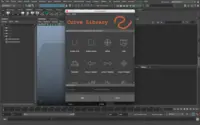
Create Controls/ Manage control Library
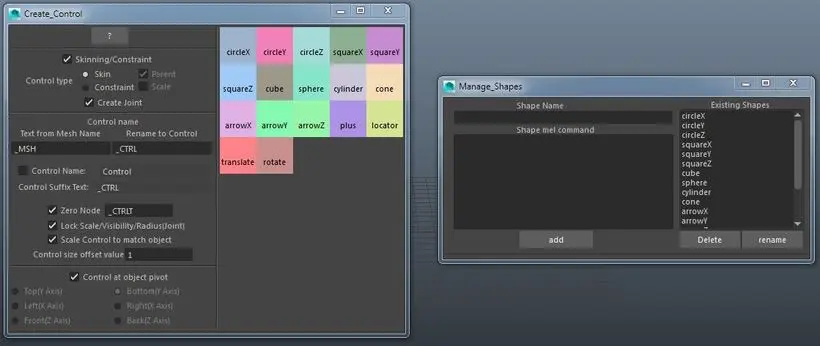
Tool to create auto controls on selected objects, controls resized to fit objects size with offset.
Options
-skin / Constraint or none
-name from mesh / new name
-Joint / only shape
-zero node, and name
-scale to fit object / default scale
-control position relative to object
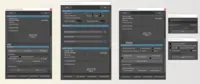
Manage controls
Create new controls from mel scriot
rename or delete exising controls
controls once created or edited will reflect in create window when create window re opened
Download the file
ControlShapes.rar
extract the folder
copy the folder ControlShapes_Package to maya scripts folder
(C:\Users\<usrer_name>Documents\maya\<version>\scripts)
or
(C:\Users\<user_name>\Documents\maya\<version>\prefs\scripts)
to open the create shape UI run the below command in python tab
from ControlShapes_Package import CreateShape
CreateShape.Create_Shape()
to open the manage shapes UI run the below command in python tab
from ControlShapes_Package import ManageControl
ManageControl.Manage_Control()
Please use the Bug System to report any bugs.
Please use the Feature Requests to give me ideas.
Please use the Support Forum if you have any questions or problems.
Please rate and review in the Review section.