Based on updated commands from Autodesk Maya 2013.
1. Extract the rar files to a known folder.
2. Copy userDefineLang.xml and insertExt.ini into your %appdata% notepad++ folder.
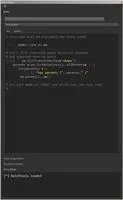
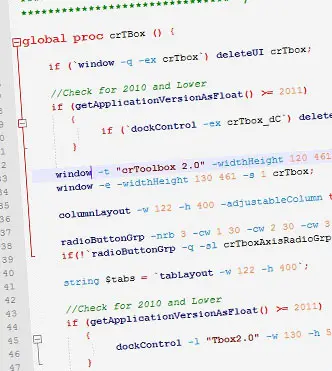
3. Open any mel file in notepad++. Syntax Highlighting should be enabled. If its still not, then u can choose Mel in the Language Menu.
if you are using the portable version of notepad++ u can overwrite the userDefineLang.xml file in the portable notepad++ folder in \Data\settings\.
For more infomation visit :
http://www.artbycrunk.com/script/maya/mel-syntax-highlighting-for-notepad-plus/
FOLLOW ME ON FACEBOOK - http://www.facebook.com/artbycrunk
// Copyright (c) 2012 artbycrunk.com <artbycrunk@gmail.com>// Created On : Jan 02nd 2012
// Last Updated : May 05th 2012
Please use the Bug System to report any bugs.
Please use the Feature Requests to give me ideas.
Please use the Support Forum if you have any questions or problems.
Please rate and review in the Review section.
Please use the Feature Requests to give me ideas.
Please use the Support Forum if you have any questions or problems.
Please rate and review in the Review section.