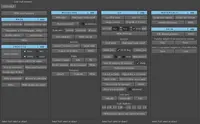
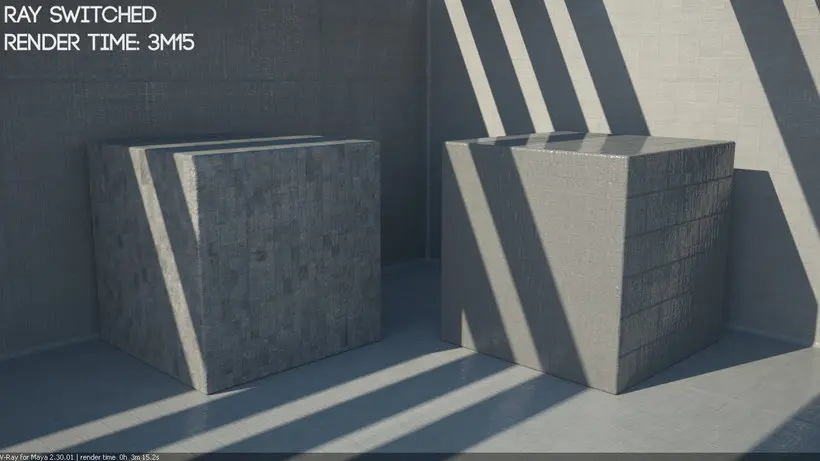
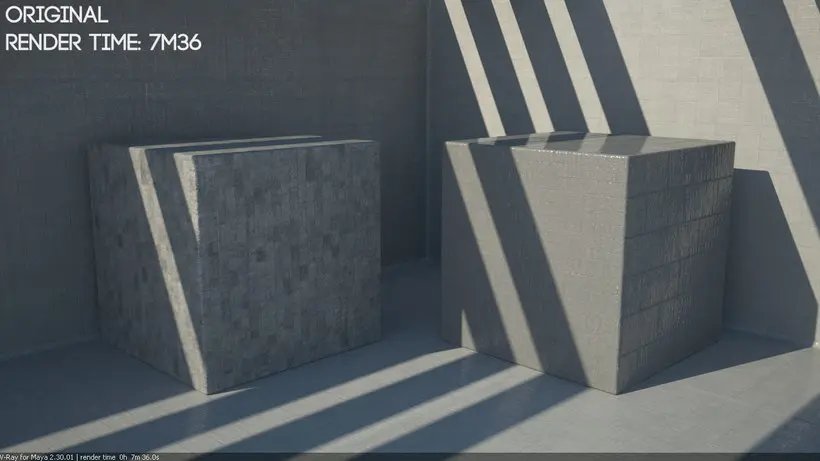
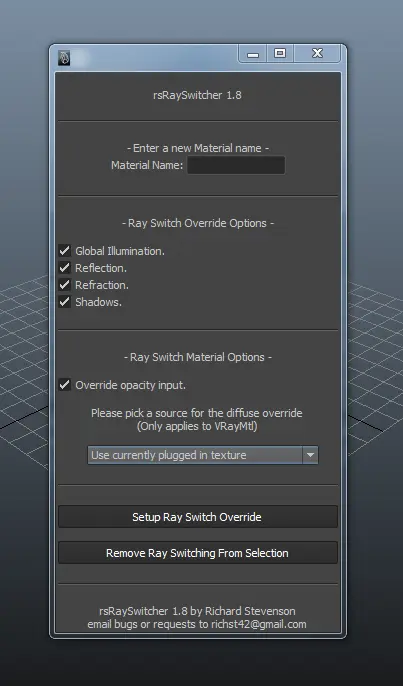
This aim of this script was to speed up the process of setting up ray switching for VRay shaders. As anyone who has done this manually before knows, this can be a very tedious and boring task especially if there are loads of shaders in the scene to go through. It’s very simple to use, just select the VRay shader you want to override, enter the shader’s name, pick the settings that suit your needs and click Setup.
Currently supported VRay materials are VRayMtl, VRayBlendMtl, VRayBumpMtl, VRayCarPaintMtl, VRay2SidedMtl. Depending on which shader you have selected to override, more or less features will be available to you.
For more information on how to install & use it, check outhttp://rs3dblog.wordpress.com/2014/08/12/vray-ray-switcher-script/
or
http://rs3dblog.wordpress.com/2014/08/14/ray-switching-and-why-you-should-be-using-it/
for some information about ray switching.
Cheers,
Rich
Please use the Bug System to report any bugs.
Please use the Feature Requests to give me ideas.
Please use the Support Forum if you have any questions or problems.
Please rate and review in the Review section.
Please use the Feature Requests to give me ideas.
Please use the Support Forum if you have any questions or problems.
Please rate and review in the Review section.