Installation and Execution
Put the script in your scripts folder
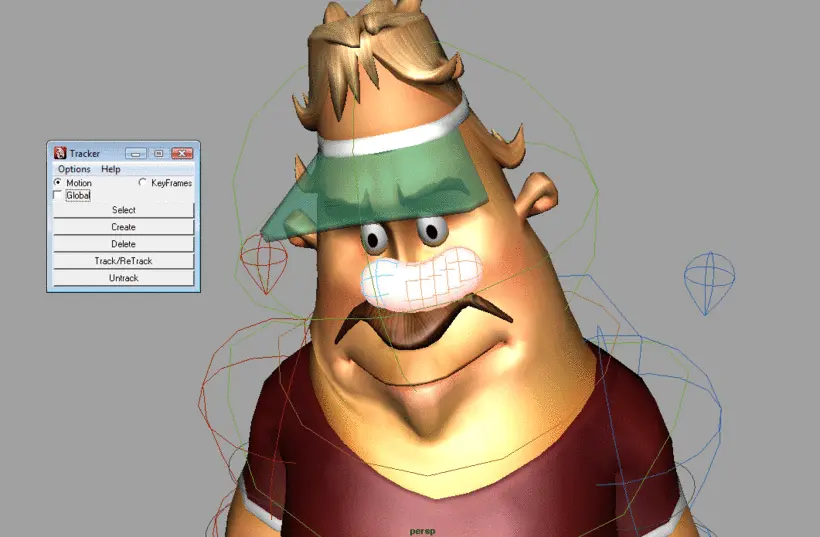
Goto Script Editor and type in the "Python" the following
import tracker
tracker.GUI()
Quickhelp
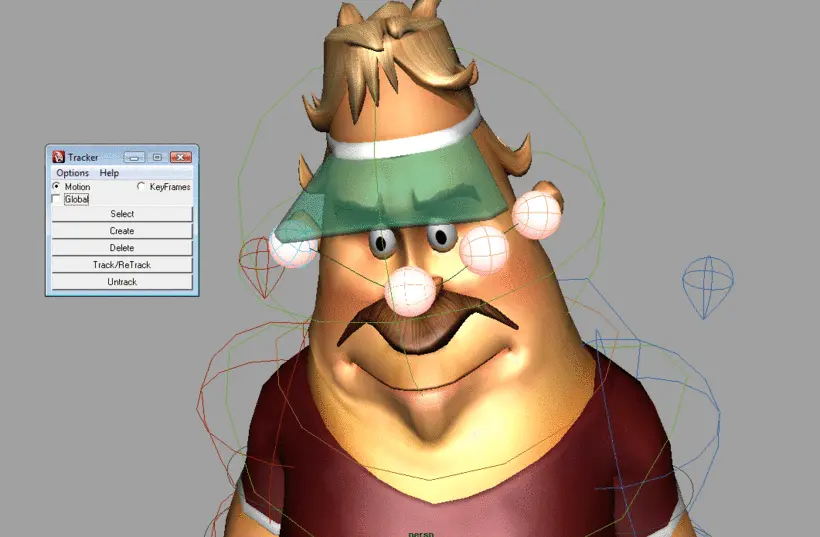
To Add a Tracker, select a control and hit Create
To Delete or make changes (Track,Untrack,Change Mode) select either the Tracker(Nurbsphere) or the control.
Supports only nurbs curve or locator based controls.
Please go through video tutorial for further information(30 MB/10 Minutes)
If you like this tool, please don't forget to rate it
Love to hear your feedback in either in the review section or send it to info@pritishdogra.com
PS:Forgot to mention in the Video that you can change color of a existing tracker by selecting the control/tracker and then right clicking on the color picker area and choose apply New Color
Update 1.0.1
Fixed error for multishape control
Please use the Bug System to report any bugs.
Please use the Feature Requests to give me ideas.
Please use the Support Forum if you have any questions or problems.
Please rate and review in the Review section.
Please use the Feature Requests to give me ideas.
Please use the Support Forum if you have any questions or problems.
Please rate and review in the Review section.