Installation:
When you get this script, you will find all the script files in the folder which defines different modules and you have two ways to launch this script:
A. Copy all these files(including the assets folder) into the Maya's default script paths and in the script editor, type in and run:
pmAssistLaunch(); or source "pm_assistant.mel";
B. You can put the script folder anywhere and in the script editor, you need to use the "source" command to call the pm_assistant.mel with full path, like:
source "X:/.../pm_assist/pm_assistant.mel"
Features:
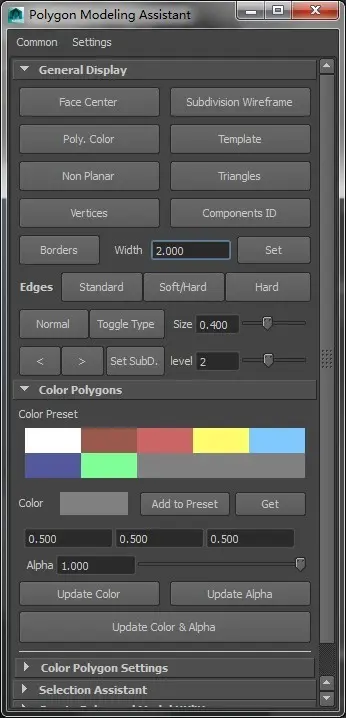
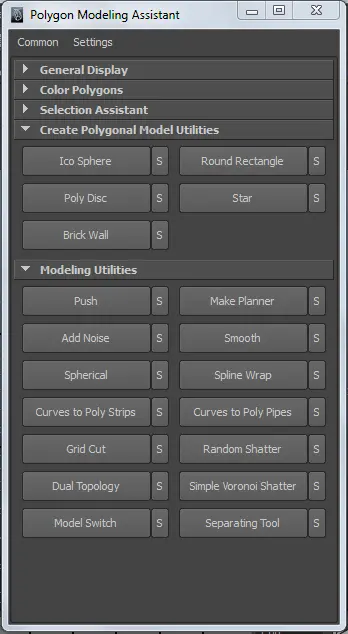
1. quick settings for polygon components, object information display.
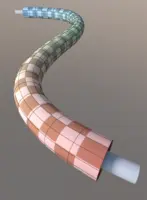
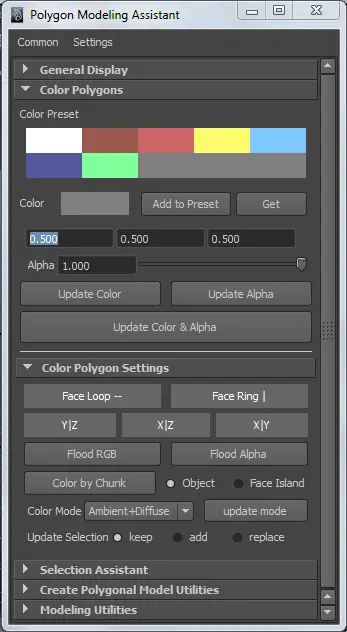
2. setting per-face color for mesh
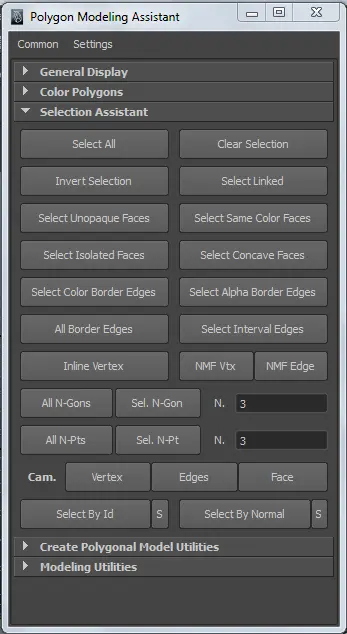
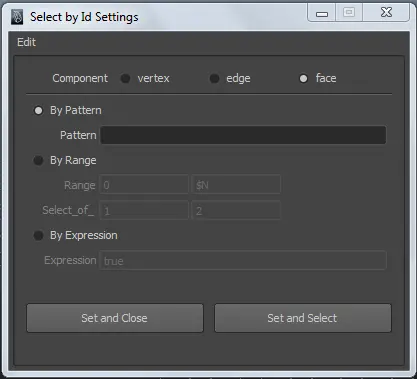
3. selection utilities; expression selection; normal selection
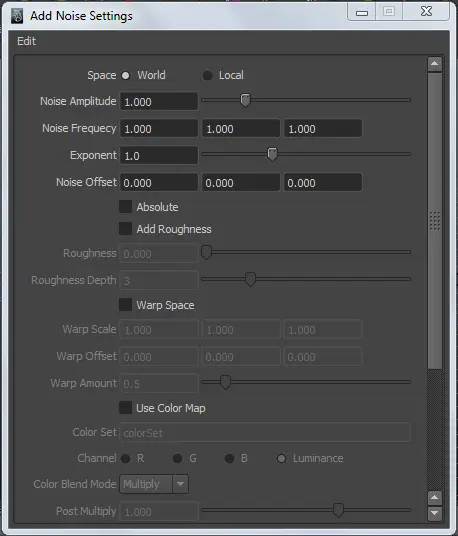
4. noise deforming tool
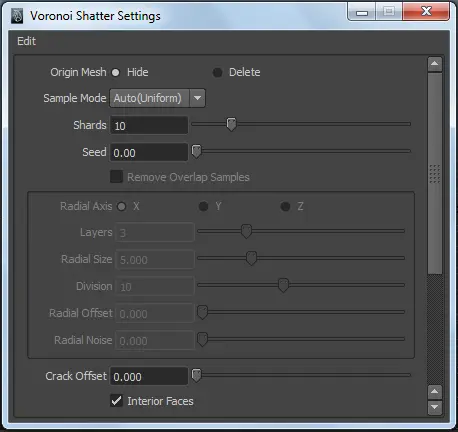
5. two different fracturing tools:plane shattering & voronoi shattering with different sampling modes
Details of this script and some examples are described in the help file, check it out first :)
you can get the free version here: https://www.creativecrash.com/maya/script/polygon-modeling-assistant-simple
Please use the Feature Requests to give me ideas.
Please use the Support Forum if you have any questions or problems.
Please rate and review in the Review section.