Mini-How To:
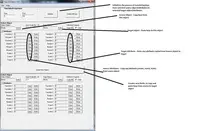
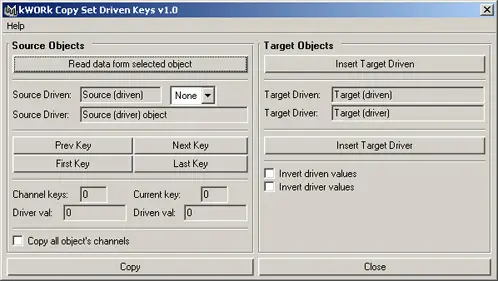
1. Select your current Driven Object
2. Click "READ DATA FROM SELECTED OBJECT"
3. Select your target driven object and click Insert Target Driven
4. Select your target driver object and click Insert Target Driver
5. Choose channel to copy
6. Click Copy
Alternatively you can shift-select SourceDriveN, TargetDriveN, TargetDriveR then click READ DATA FROM SELECTED OBJECT.
Click to view the Mini-Video-How-To
Please use the Bug System to report any bugs.
Please use the Feature Requests to give me ideas.
Please use the Support Forum if you have any questions or problems.
Please rate and review in the Review section.