About
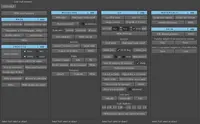
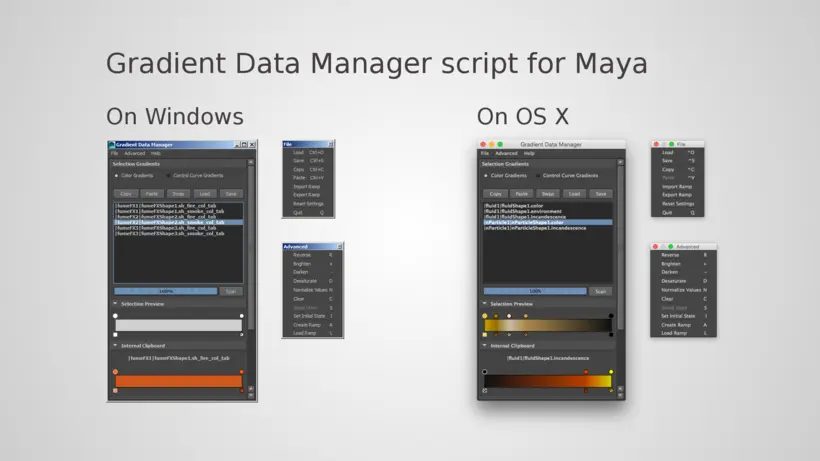
Gradient Data Manager script for Maya allows to copy data between existinggradients (not to clipboard), to load or save gradient data to files and many other things.
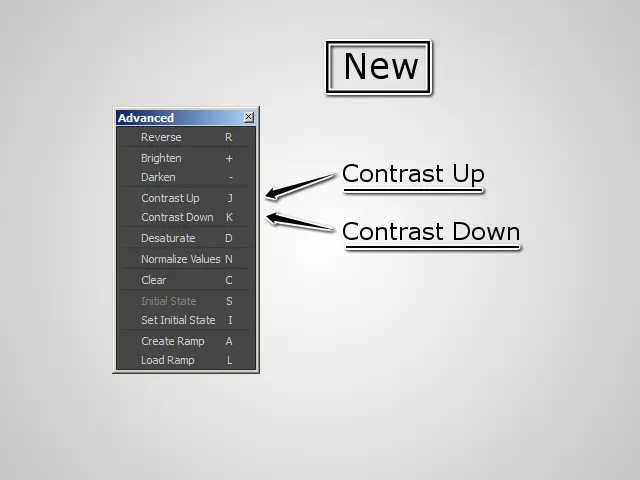
New: Contrast Up/Down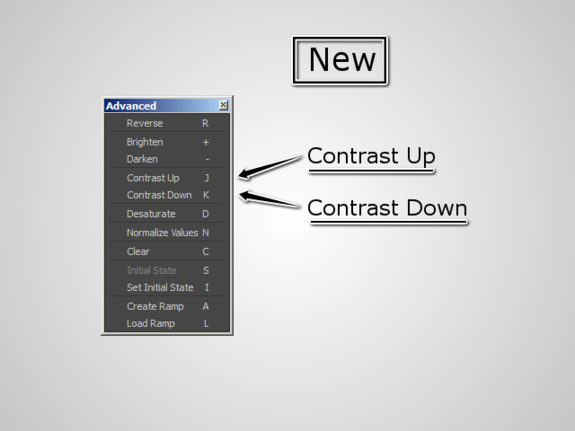
Features
- Copy, paste and swap gradients
- Load and save gradient data to file
- Work with control curve gradients
- Convert gradient data between two formats
- Reverse gradients
- Brighten and darken gradients
- Desaturate gradients
- Normalize gradient values (between 0 and 1)
- Clear gradient data
- Restore gradient initial state (per script session)
- Set gradient initial state (per script session)
- Create ramp from gradient
- Load gradient data from ramp
- Import ramp from saved gradient file
- Export ramp as gradient file
- Support Windows and OS X (maybe Linux)
Installation
Gradient Data Manager script for Maya was tested on Maya 2014x64, 2015x64,but is likely to support Maya 2013 and possibly some earlier/newer versions.
- Copy "gradient_data_manager.py" to "C:\Users\USERMAME\Documents\maya\MAYA_VERSION\scripts"
- (Optional, icon for a shelf) Copy "Grad.png" to "C:\Users\USERMAME\Documents\maya\MAYA_VERSION\prefs\icons"
- (Optional, a shelf) Copy "shelf_GRAD.mel" to "C:\Users\USERMAME\Documents\maya\MAYA_VERSION\prefs\shelves"
or create a shelf button and use python command:
import gradient_data_manager
reload(gradient_data_manager)
gradient_data_manager.GradientDataManagerUI()
Be Aware
On Mac OS X the above mentioned paths start like this:~/Library/Preferences/Autodesk/maya/MAYA_VERSION/ and then same as on windows.
(This may differ depending on Maya and/or OS X version)
Please use the Bug System to report any bugs.
Please use the Feature Requests to give me ideas.
Please use the Support Forum if you have any questions or problems.
Please rate and review in the Review section.
Please use the Feature Requests to give me ideas.
Please use the Support Forum if you have any questions or problems.
Please rate and review in the Review section.