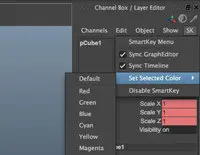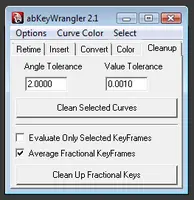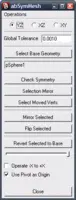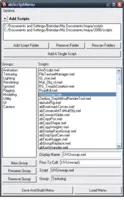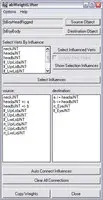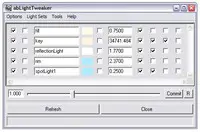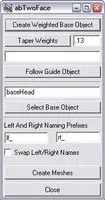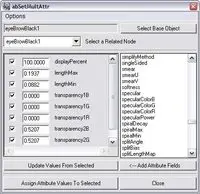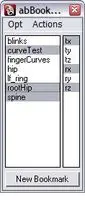
This script allows you to zoom in or out around a selected frame on the timeline and save or recall the current timeline range, among other things. It integrates seamlessly with your existing frameSelected hotkey ("f" by default).
How it works
When you tap the frameSelected hotKey over any panel except the Graph Editor it will behave as usual. However, when you hit it while the mouse is hovering over the GE, the Graph Editor range will be fit to match that of the timeline. If you hold down the hotkey you'll be presented with a marking menu that can be used to zoom in or out (on the timeline) around the current frame, save and recall timeline ranges, and change the zoom level.
You can find more info and the latest version here.
Please use the Bug System to report any bugs.
Please use the Feature Requests to give me ideas.
Please use the Support Forum if you have any questions or problems.
Please rate and review in the Review section.