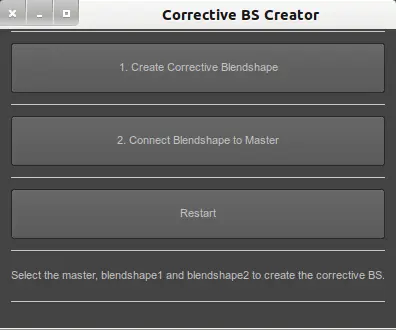
Usage:
1. Run the script.
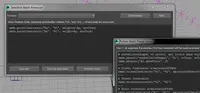
2. Select the master mesh, and the two blendshapes you want to correct, in that order.
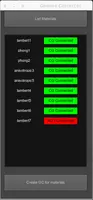
3. Hit the "Create corrective blendshape"
4. Remodel the corrective blendshape
5. Hit the "Connect blendshape the master mesh"
6. Done.
Optional: The restart button is used to abort the creation of a corrective blendshape before connecting it to the master mesh.
UPDATE -VERSION 2:
*BSCorrecter now can be used with skinned objects.
Please use the Bug System to report any bugs.
Please use the Feature Requests to give me ideas.
Please use the Support Forum if you have any questions or problems.
Please rate and review in the Review section.
Please use the Feature Requests to give me ideas.
Please use the Support Forum if you have any questions or problems.
Please rate and review in the Review section.