
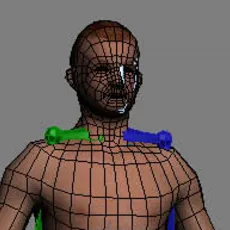
rigging with a biped (3dsmax)
3 Comments
Page 1 of 4
Tutorial: Creating a simple biped rig in 3Dsmax
rigging & skinning your characer with a biped
This tutorial will show you how to create a rig with a biped, use it to skin your character and how to solve skinning issues.
originally found on : download 3d models .
step1
the first step is ofcourse to create the biped itself. To to do this, do the following:
create panel>systems>biped

left mouse drag the biped out in the viewport. Try to get the size about right, it will most likely never fit right away,
but get the height of the character right.
Comments
-
merci
-
its realy useful tut for bigginers.
-
Really great tutorial!! Very helpful for beginners - just wish the images were there so we could *see* what you were talking about... :/ But thank you for taking your time to write this for all of us, that was very generous of you!