This script adds notes to your scene.
The notes are stored in a node in the scene (can be hidden from the outliner), and can be accessed and edited even without the script installed (after creation).
INSTALLATION:
- Copy the file "notes.py" in your script directory.
Usually located at Documents/VERSION/scripts - Run this code in maya (python mode), this will create an icon in the active shelf
1 2 |
import notes notes.install() |
To run the script without using the shelf run this code in maya (python mode)
1 2 |
import notes notes.start() |
USAGE:
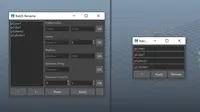
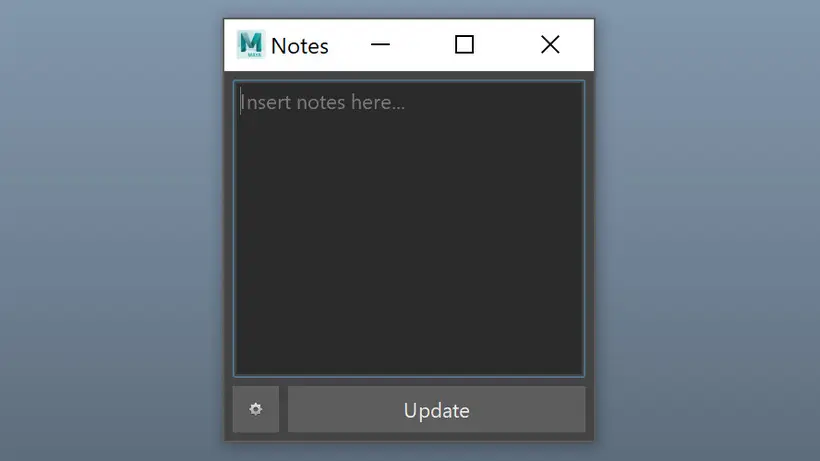
Simply launch the script from the shelf icon to access the notes, the script will automatically create a Notes node at the first startup.
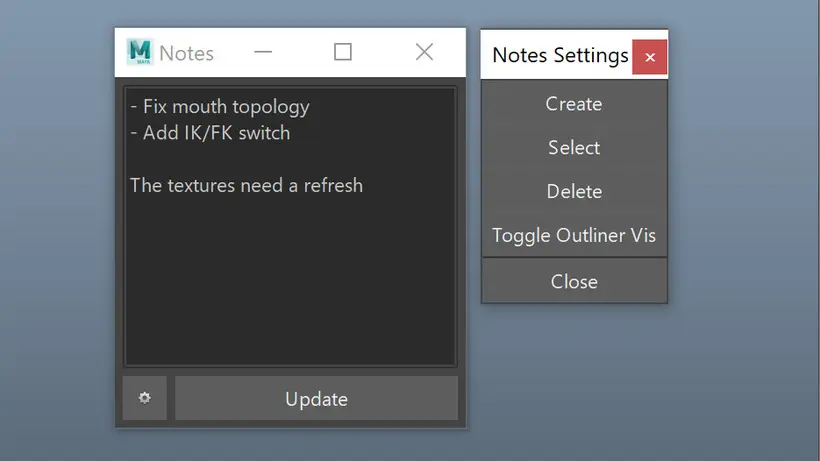
You can modify the notes from the interface and click "Update" to apply the changes.
To access the settings click the gear icon.
From the settings you can create, select, and delete the notes node. You can also toggle its visibility in the outliner.
If you found the script useful, please consider buying me a coffe ;)
Please use the Bug System to report any bugs.
Please use the Feature Requests to give me ideas.
Please use the Support Forum if you have any questions or problems.
Please rate and review in the Review section.
Please use the Feature Requests to give me ideas.
Please use the Support Forum if you have any questions or problems.
Please rate and review in the Review section.