
abxPicker (2011+) 2.5.2 for Maya (maya script)
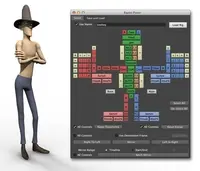
Rapidly Create Character Control UIs using abxPicker's unique drag and drop interface.
Q/A
Saving layouts for other files
| Date: | 02/02/2018 |
|---|---|
| Submitted by: |  anm8sanjose |
I purchased this yesterday and love it. I have lost my work twice now howevery because I cannot figure out how to properly save my work. I have tried saving with the dish button on the picker ui. I have saved my shelf. I have even exported my layout to try and import it again with it not working. Anybody have a better solution.......
Thanks




Replies to this question:
anm8sanjose said almost 9 years ago:
anm8sanjose said almost 9 years ago: