copy uxUI.mel to maya "My Documents/maya2009/scripts" folder
copy deAnimCurve.mll to "Autodesk/Maya2009/bin/plug-ins"
open maya2009 ,mount "deAnimCurve.mll" ,if success,a new menu item "uBenX" will be add to the top menu bar.
select one OBJ ,and make some anim KEYs (TranslateX,TranslateY,TranslateZ must by keyed ,and must have the same keys)
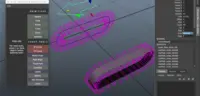
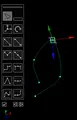
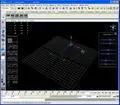
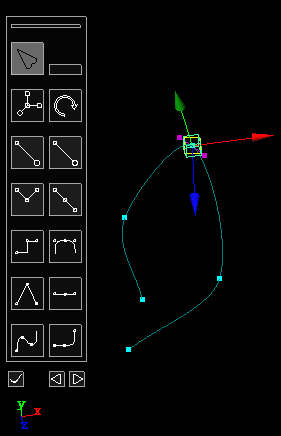
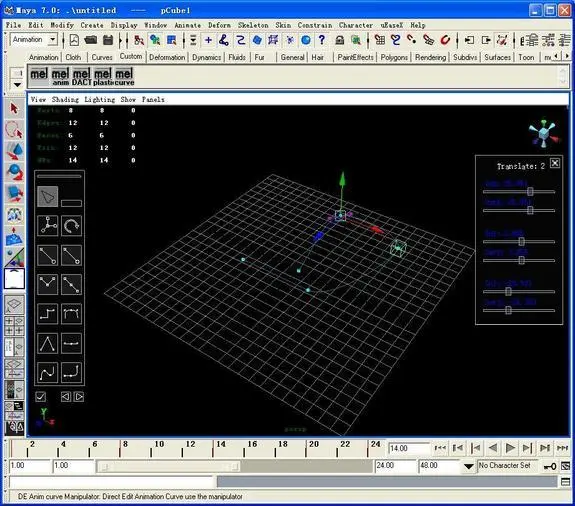
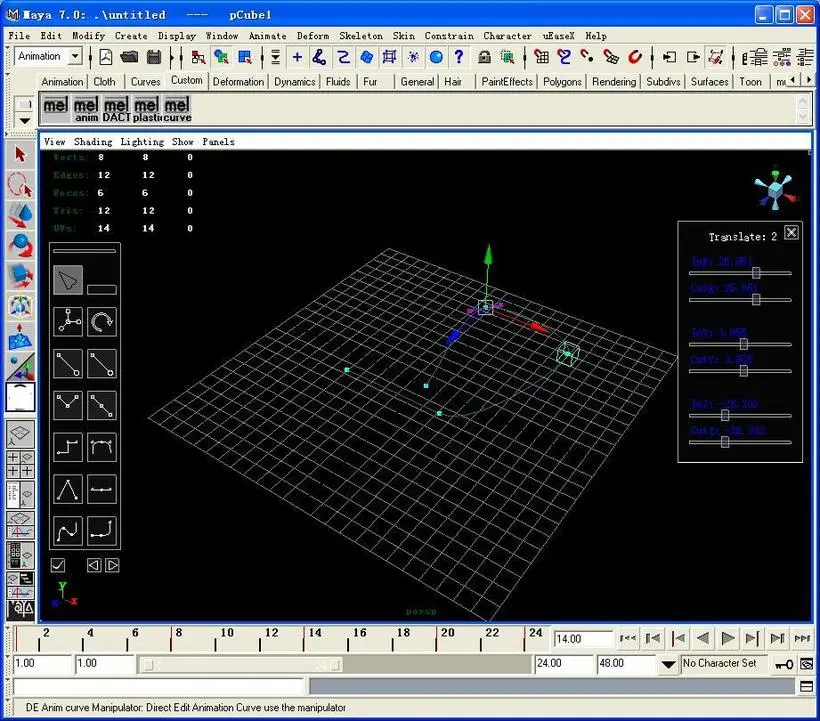
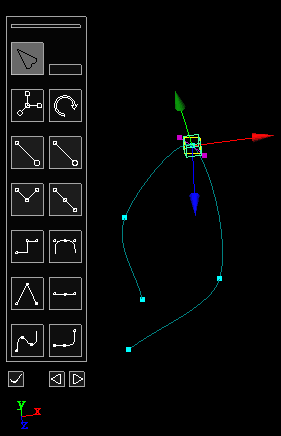
and chick the menu "uBenX->DE Anim Curve Tool",and you can see the curve now,you can edit the curve in the 3D scene directly.


Please use the Bug System to report any bugs.
Please use the Feature Requests to give me ideas.
Please use the Support Forum if you have any questions or problems.
Please rate and review in the Review section.
Please use the Feature Requests to give me ideas.
Please use the Support Forum if you have any questions or problems.
Please rate and review in the Review section.