UPDATE - March 27, 2020
There is an updated command to run it. Other fixes have been made.
import camFXDB;camFXDB.initialize();
========================================================
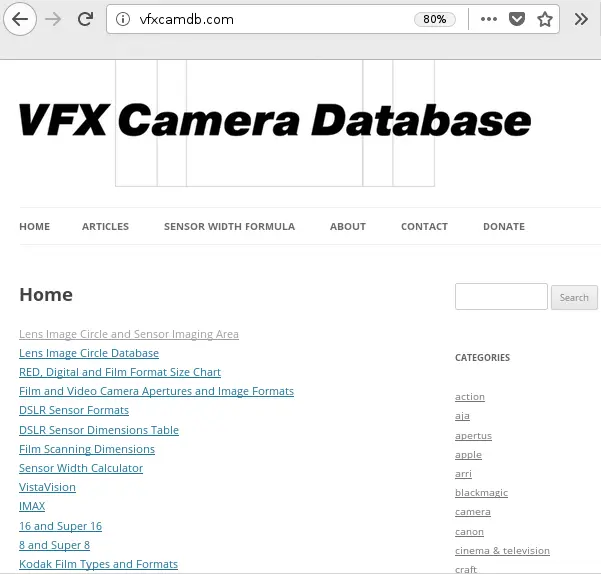
This useful tool creates a camera in maya with a film back that matches an actual camera. This is very important for integrating cg FX with live action footage. The camera information comes from the great web resource http://vfxcamdb.com/ which I am not associated with. Please note that you must have internet access in order to use this script.
To run, copy the script to your scripts folder and use the following code in either a script editor window or as a python shelf button.
import camFXDB;
camFXDB.initialize();
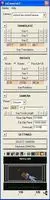
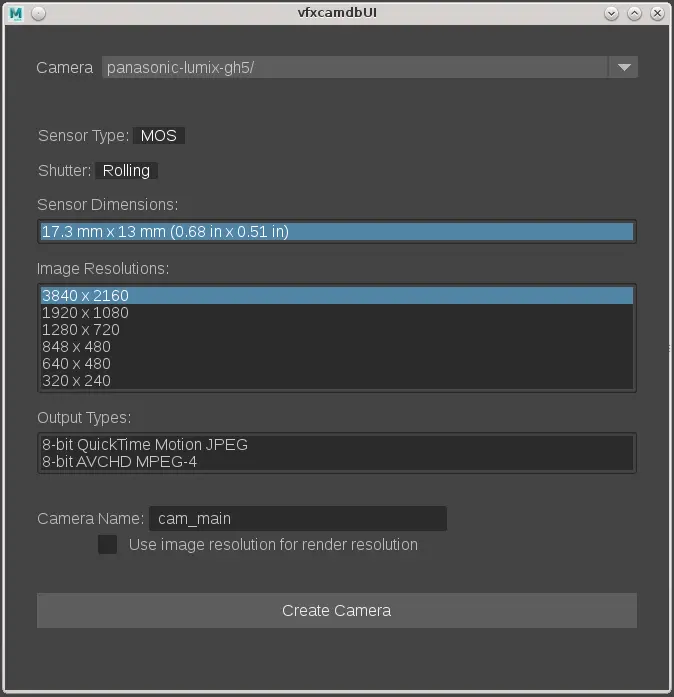
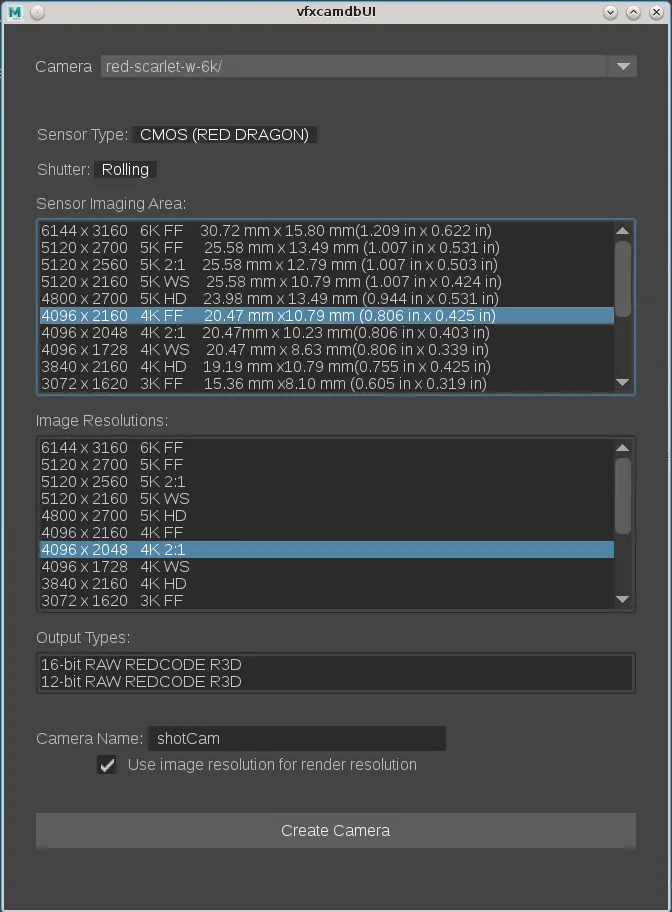
The, simply choose the camera you want to match from the drop down menu (visit http://vfxcamdb.com/ to see which specific camera these refer to if you are not sure which model is the one you want)
Choose which sensor area your footage was shot with (there may be only one choice or many, depending on the model)
Choose the Image resolution if you want to set your scene file render resolution to match (you must check the "Use image resolution for render resolution" checkbox in order update Maya's render settings)
The Output Type is stricly for information sake, there is no equivalent in Maya.
Set the Camera Name to what you want your camera to be called.
Press "Create Camera"
There will now be a camera in maya with your requested filmback.
Please use the Bug System to report any bugs.
Please use the Feature Requests to give me ideas.
Please use the Support Forum if you have any questions or problems.
Please rate and review in the Review section.
Please use the Feature Requests to give me ideas.
Please use the Support Forum if you have any questions or problems.
Please rate and review in the Review section.