How To:
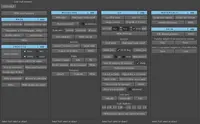
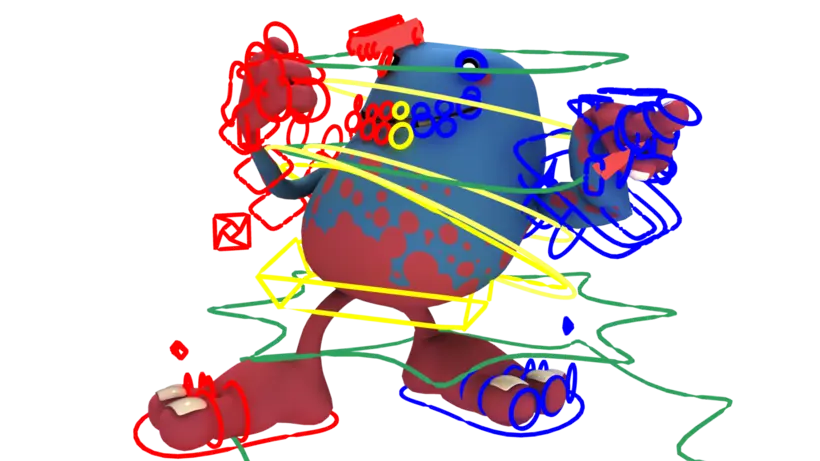
1. In your script editor type and run :
import dvRenderCurve
dvRenderCurve.gui()
2. Make sure that strokes are visible
3. Select the Group or Object that has all the curves you want to rendered
4. Hit "Preview"
5. Use the Thickness Slider to change the Thickness of the Curves
6. Hit "Make Renderable"
Please use the Bug System to report any bugs.
Please use the Feature Requests to give me ideas.
Please use the Support Forum if you have any questions or problems.
Please rate and review in the Review section.
Please use the Feature Requests to give me ideas.
Please use the Support Forum if you have any questions or problems.
Please rate and review in the Review section.