

H3D Tutorials
Tutorials Categories
- Basics (1)
- Color (1)
- General (1)
- Painting / Roto (4)

Photo to Sketch (Help!)
The tut is another old Photoshop tut where a photo is transformed into a pencil sketchI attempted to replicate it in Shake but ran into a problem. Hopefully one of you viewers can complete the tree. Below is all the information you should need:1. Here is the link to the Youtube Photoshop tut ...
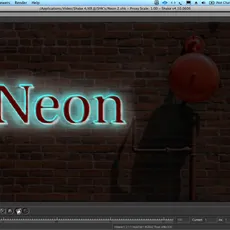
Neon (Very Old)
This was two attempts to perform the "Neon" text idea in Shake. Yes, again there are tuts in PS and AE! Instead of the basic tut with lots of words, I will use lots of pics and very little words.Pretty much look at the pics (pics will show numbers to dial in) and connect the nodesThe le...
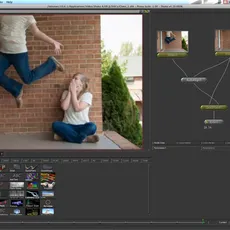
Clone (Very Old)
I have seen YouTube videos of the clone effect with post dates up to 5 years ago! And as always zero done in Shake. Oodles in Photoshop and FCP.I found the way to do it in Shake based on pgs. 788-793 of the Shake 4 User Manual. It can still be found here http://manuals.info.apple.com/MANUALS/0/MA...
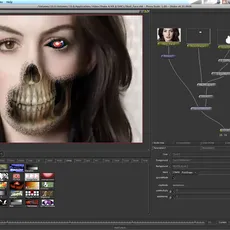
Skull Face
There must be at least 50 people world wide still using Shake that did not move to Nuke! Since Nuke is 3D this tut is for those that use Shake as an external efx pallet like I do. Just one more tut I ran across done in Photoshop and wanted to do in Shake. It...
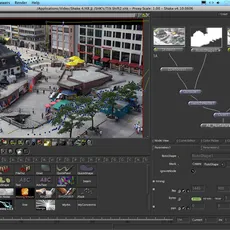
Tilt Shift in Shake tutorial
Again, something photoshop has many tuts for but none for Shake. T1.png The photo is from a video clip found online. T1.png is a screen shot of the node tree. 1. Import photo 2. Add...
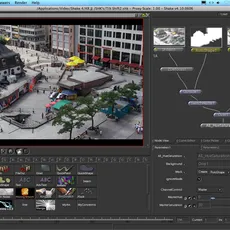
Tilt Shift / Smallgantics in Shake
Tilt–shift photography is the use of camera movements on small- and medium-format cameras, and sometimes specifically refers to the use of tilt for selective focus, often for simulating a miniature scene. Sometimes the term is used when the shallow depth of field is simulated with digital post-pr...
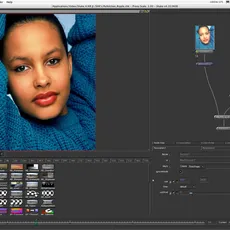
Water Ripple
You may have seen examples like this on MySpace or Youtube. The only tutorial I found online was for Photoshop. I then decided to replicate it in Shake. This is the node tree: Jpg.1- Import photo and connect it to “Move2D2”, “Multi...